

Choosing the right tool to keep customers connected and interested can turn a small effort into lasting results. Every business wants to grow its audience and keep messages working around the clock but finding that perfect match is not always simple. Some options promise easy setup, others focus on letting you learn and apply smart tactics, and a few combine many tasks in one place for less hassle. Whether you want more sales, better customer engagement, or just clearer insights, the choices ahead each have a unique take on what makes email work. Ready to see what stands out and why certain approaches might suit your goals better than others?
Table of Contents
EmailedGar
At a Glance
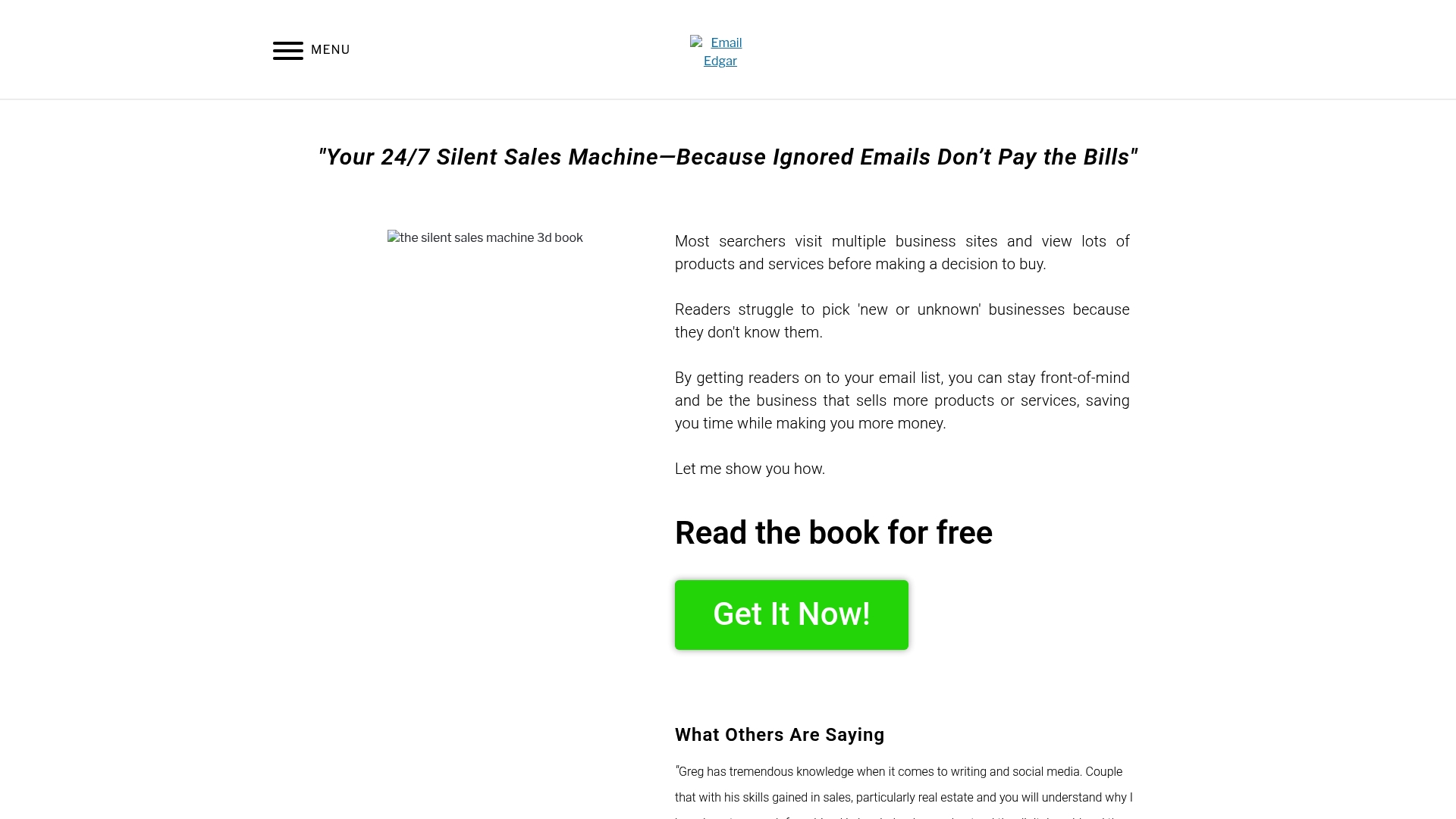
EmailedGar is a focused email marketing platform built to help businesses build and maintain email lists that drive sales and customer engagement. The site positions email as a “silent sales machine” that works 24/7, and pairs that positioning with practical resources and coaching to help you act on the idea. If you run an e-commerce store and need an education-driven, automation-first approach to email, EmailedGar gives clear guidance and resources to turn consistent messaging into measurable revenue.
Core Features
EmailedGar centers on email list building and efficient email management, emphasizing automated and consistent email marketing as a round-the-clock sales channel. Core capabilities described include resources like a free book on email marketing strategies, coaching and testimonial-backed guidance for improving online visibility and content strategy, and a strong focus on teaching business owners how to keep their brand top-of-mind with prospects and customers.
Read this carefully.
Pros
- Helps increase sales through email marketing: EmailedGar focuses on tactics that convert list subscribers into buyers, making email a direct revenue channel for your store.
- Provides actionable educational resources: The free book and coaching materials offer step-by-step strategies you can apply without guessing.
- Offers coaching and strategy advice for online visibility: The platform pairs email tactics with content and SEO guidance so your list growth is supported by improved discoverability.
- Testimonials suggest real impact: Reported improvements in search ranking and content strategy give credibility to the methods taught.
- Designed as an education-first lead-generation engine: The site’s emphasis on learning and repeatable systems helps teams scale email activities while keeping quality consistent.
Who It’s For
EmailedGar is ideal for small to mid-sized e-commerce business owners, marketers, and digital strategists who want a grounded, education-led path to list growth. If you need to automate consistent outreach, improve your content strategy, and translate audience attention into repeat purchases, this platform is tailored for you. It’s especially useful when you lack an internal email strategist and prefer guided coaching over trial-and-error.
Unique Value Proposition
EmailedGar stands out by combining email-first philosophy with practical education and coaching rather than just software features. Rather than promising a laundry list of complex tools, it focuses on what matters most to merchants: building a responsive list, creating repeatable email sequences, and using content strategy to amplify list growth. The platform’s strength is its clarity — it treats automated email as a predictable revenue engine and equips you with a free book, testimonial-backed tactics, and coaching to implement those systems. This makes EmailedGar superior for merchants who value guided implementation and measurable outcomes over feature breadth. In short: it teaches you how to make email work reliably for sales, then supports you as you execute.
Real World Use Case
A small online retailer uses EmailedGar’s book and coaching to create a welcome sequence, segment subscribers by purchase intent, and publish monthly content that feeds signups. Over several months, consistent automated messages keep buyers engaged and drive repeat purchases—turning email into a steady sales channel for low-effort growth.
Pricing
Not specified in the available content.
Website: https://emailedgar.com
EmailGreen
At a Glance
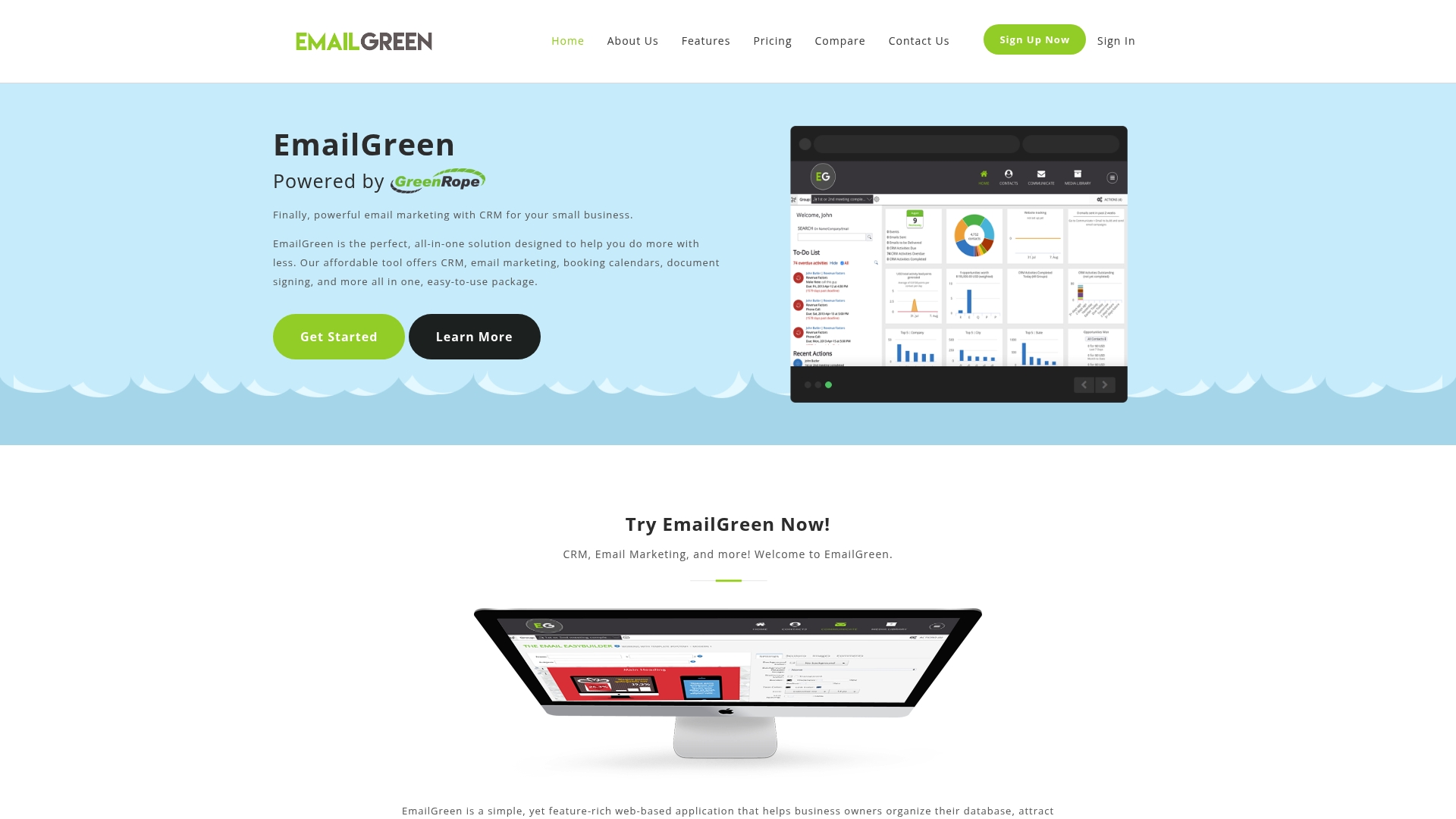
EmailGreen is an all-in-one, web-based platform designed to centralize contact management, email campaigns, event planning, and basic sales tracking for small businesses. It’s built to save time and reduce tool sprawl by combining CRM, email marketing, landing pages, booking, and documents in a single interface. The platform is user-friendly and cost-effective for businesses that need a compact marketing and CRM toolkit without hiring a specialist. That said, advanced analytics and mobile capabilities are less clear from the available information.
Core Features
EmailGreen’s core capabilities center on unifying customer and campaign workflows. The platform includes a CRM to organize contacts and record interactions, email marketing with customizable templates and an EasyBuilder tool, survey creation for customer feedback, and event management for online and offline gatherings. You get signup forms and landing pages for lead capture, a campaign optimizer for A/B testing and performance improvement, a booking calendar for appointments, documents and contracts management, and opportunities tracking to visualize your sales pipeline. Integrations extend to social media and SMS marketing so you can coordinate multichannel outreach from one dashboard.
Pros
- All-in-one platform combining multiple business tools: EmailGreen reduces the need for separate apps by integrating CRM, email, landing pages, events, and booking in one product.
- User-friendly and easy to use: The interface and EasyBuilder tool are designed to get non-technical owners up and running quickly.
- Cost-effective with various pricing plans: A Starter plan begins at $19/month, which makes it accessible for small teams and solo entrepreneurs.
- Flexible and scalable for different business sizes and needs: Multiple plan tiers and add-on services allow growth without immediate platform migration.
- Strong support and onboarding services: The product emphasizes support to help businesses adopt features and start campaigns faster.
Cons
- Limited details on advanced analytics or reporting capabilities: The available information does not clarify whether EmailGreen offers deep behavioral analytics, attribution, or custom reporting.
- Pricing complexity may vary with additional apps and services: Costs can rise if you add apps, more contacts, or higher-tier features, which could complicate budgeting.
- Limited information on mobile app availability or functionality: It is unclear how robust EmailGreen’s mobile experience is for managing campaigns or bookings on the go.
Who It’s For
EmailGreen is ideal for small to medium-sized business owners who want a single platform to manage contacts, run email campaigns, and handle events or bookings without stitching together several tools. If you run a retail shop, boutique service business, or local event-driven operation and need simple automation, EmailGreen fits that profile.
Unique Value Proposition
EmailGreen’s unique value is its consolidation of essential marketing and CRM workflows into one affordable web app, reducing setup time and subscription overhead while keeping core tasks—lead capture, email campaigns, event management, and basic sales tracking—within a single interface.
Real World Use Case
A small retail business uses EmailGreen to maintain its customer list, send targeted promotional emails, collect feedback via surveys after purchases, and schedule in-store events with the booking calendar, all while tracking campaign responses and sales activity in one system.
Pricing
Starting at $19/month for the Starter package (up to 500 contacts), with higher tiers—Growth, Pro, Premium—adding features and contact allowances; higher plans and additional services are available on request or via trial.
Website: https://emailgreen.com
EmailOctopus
At a Glance
EmailOctopus is a straightforward, scalable email marketing platform built around ease of use, affordability, and deliverability. It serves small to large organizations with essential campaign tools, automation, reporting, and unlimited landing pages and forms. If you need a reliable, no-frills solution that grows with your list, EmailOctopus is worth a close look.
Core Features
EmailOctopus offers drag-and-drop and HTML options for campaign creation, plus automation for sequences and workflow-driven messages. Reporting and analytics track campaign performance so you can iterate. It includes unlimited landing pages and forms to capture subscribers, and paid plans add personalization via merge tags plus segmentation inside campaigns and automations. The platform focuses on the core elements most businesses need to build and maintain a list without unnecessary complexity.
Pros
- Affordable scaling model: Pricing starts at $9/month billed yearly, making it easy to begin cheaply and upgrade as contact lists grow. This clear pricing helps you forecast marketing spend.
- User-friendly platform: The interface is designed for straightforward campaign setup, reducing the time required to send professional emails and set up automations.
- Good deliverability and support: Users report reliable inbox placement and responsive support, which matters when your messages must reach customers consistently.
- Rich essential features: EmailOctopus includes automation, templates, analytics, and integrations that cover most list-building and campaign needs without bloated extras.
- Nonprofit support: The platform offers discounts and support for nonprofit organizations, lowering the barrier for mission-driven groups.
Cons
- No free trial beyond a limited free plan: There’s no time-limited trial of paid features; you must rely on a limited free plan to evaluate the platform before committing to a paid tier.
- Higher pricing for very large lists: Costs for very large subscriber lists can increase and often require custom quotes, making budgeting less transparent for enterprise-scale audiences.
- Advanced features behind paywall: Some personalization and segmentation capabilities live only in paid plans, so growing teams will likely need to upgrade to unlock automation depth.
Who It’s For
EmailOctopus suits small to medium-sized businesses, nonprofits, and organizations that want an easy-to-use, affordable email marketing tool with automation and solid deliverability. If you value clear pricing, straightforward feature sets, and reliable support over an overloaded feature list, EmailOctopus fits well.
Unique Value Proposition
EmailOctopus’s unique value lies in delivering the core tools for list building—campaigns, automations, analytics, and unlimited landing pages—at competitive prices with a focus on deliverability and ease of use. It’s built to be a practical, scalable backbone for organizations that need consistent email performance without steep learning curves.
Real World Use Case
A real estate agency uses EmailOctopus to send weekly newsletters to more than 75,000 contacts, leveraging automation and segmentation to target clients with relevant listings. The team highlights ease of use, dependable deliverability, and responsive support as key reasons the platform handles high-volume outreach effectively.
Pricing
Free plan with limited features; paid plans start at $9/month billed yearly, unlocking more contacts, email sends, and automation features. For very large lists, custom pricing is available.
Website: https://emailoctopus.com
Selzy
At a Glance
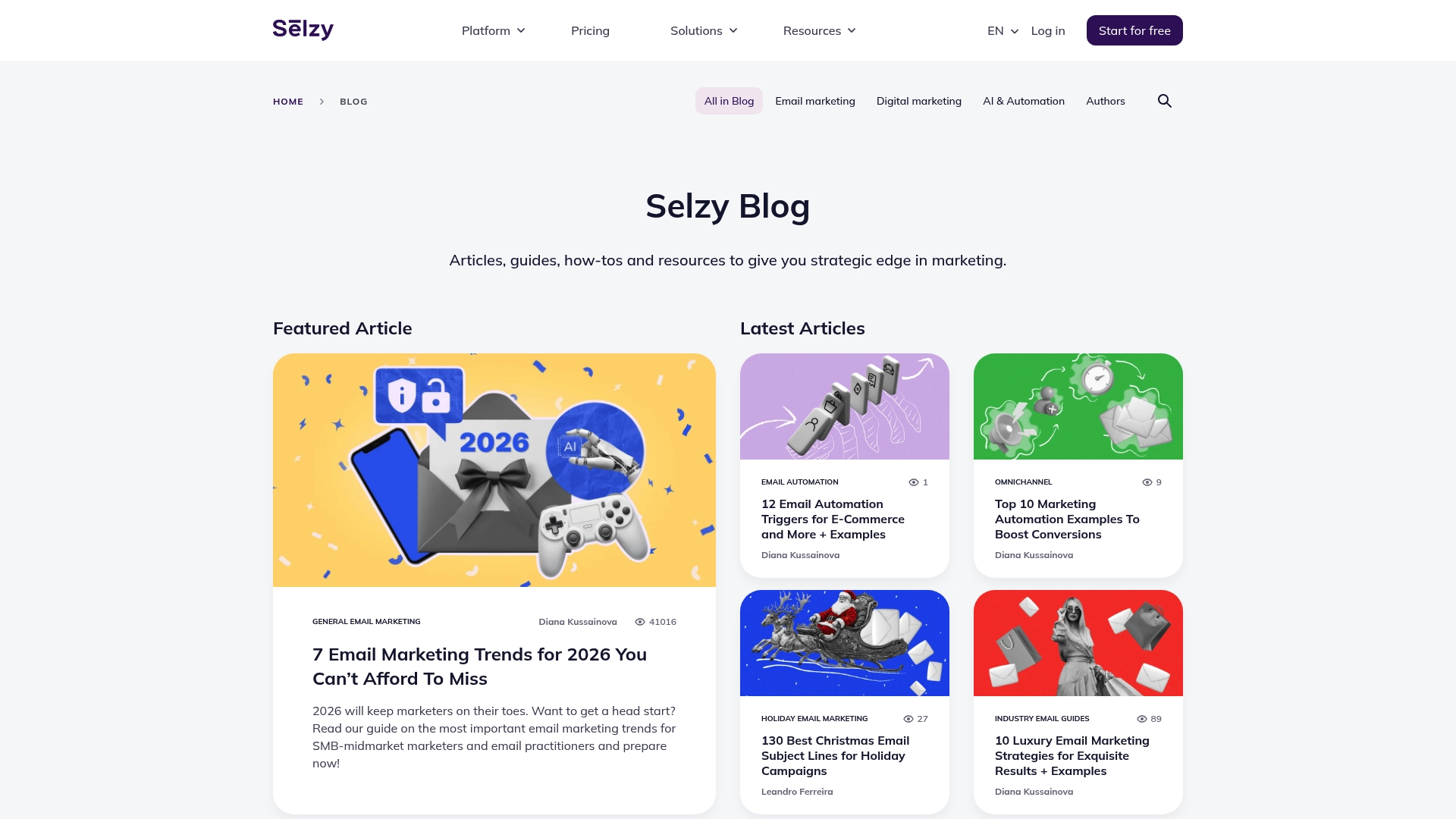
Selzy is an email marketing platform focused on helping businesses run campaigns, engage customers, and automate workflows. It combines email template customization with automation and analytics to give you the tools to send consistent, measurable messages. The interface is reported to be user-friendly, and the vendor provides support and learning resources. Pricing and some detailed feature depth are not specified in the provided data, so you should review the vendor site before committing.
Core Features
Selzy’s core capabilities center on four areas: email marketing campaigns, customer engagement tools, automation and analytics, and email template customization. Together these features let you design and send campaign messages, build sequences that run automatically, and monitor campaign performance with analytics. Template customization helps you maintain brand consistency across promotional and transactional emails, while engagement tools support outreach efforts that keep customers moving through your sales funnel.
Pros
- User-friendly interface makes setup and campaign management faster for teams with limited technical resources. This reduces onboarding time for small marketing teams or solo e-commerce owners.
- Comprehensive email marketing features cover campaign creation, sending, and basic audience engagement. You can manage standard promotional workflows without cobbling together multiple tools.
- Good support and resources are available to help you learn the platform and troubleshoot common issues. That support is valuable when you need to get campaigns live quickly.
- Integration capabilities with other tools support marketing automation workflows. These integrations can help connect Selzy to the rest of your stack for smoother data flow.
Cons
- The provided content offers limited information about specific feature depth, which makes side-by-side comparisons difficult. You’ll need to verify whether advanced capabilities you require are present.
- Specific features and pricing are not listed in the snippet, so total cost of ownership is unclear. This increases the importance of checking the vendor site for current plans and limits.
- Potential limitations in free tier or trial options are unknown, making it hard to test the platform risk-free. If you want to pilot before buying, confirm trial availability.
Who It’s For
Selzy fits business owners and marketers—especially e-commerce operators—who need a straightforward platform to run email campaigns, automate routine outreach, and track basic performance. If you value an approachable interface and integrated support resources, Selzy could shorten the learning curve for your team. If you need highly specialized or enterprise-grade features, verify those specifics first.
Unique Value Proposition
Selzy’s value lies in packaging email campaign building, automation, analytics, and template customization into a single platform with an emphasis on usability and support. For teams that want to implement reliable email-based sales funnels without steep technical overhead, Selzy promises a practical balance of power and simplicity.
Real World Use Case
An e-commerce store uses Selzy to send weekly promotional emails, automate customer onboarding sequences, and analyze campaign performance to improve marketing ROI. The platform handles the message design, timing, and basic analytics so the marketing lead can focus on offer testing and conversion optimization.
Pricing
Pricing is not specified in the provided content. Visit the vendor site to view current plans, trial options, and any subscription requirements before budgeting.
Website: https://selzy.com/en/blog
Mailchimp
At a Glance
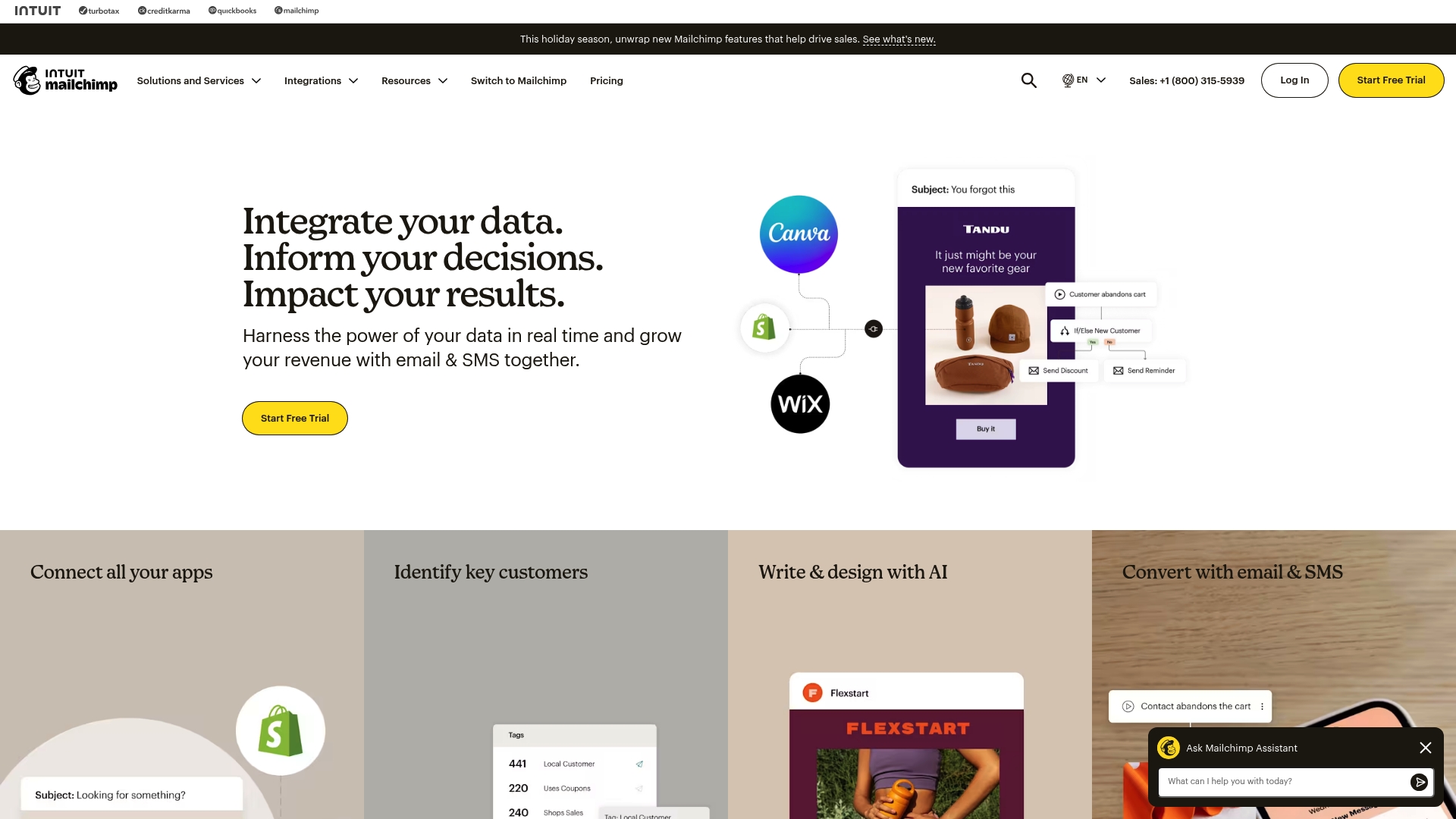
Mailchimp is an all-in-one marketing and automation platform that combines email and SMS tools with data unification, analytics, and AI-driven content assistance. For e-commerce owners, it promises centralized audience management and automated customer journeys that reduce manual work and increase conversion opportunities. It isn’t the cheapest option once your list grows, but its automation depth and integration ecosystem make it a strong foundation for merchants who want a single platform to run campaigns, SMS, and reporting.
Core Features
Mailchimp’s core capabilities center on email marketing and automation, complemented by SMS marketing and MMS add-ons for multi-channel outreach. The platform unifies data through integrations with Shopify, Salesforce, Google Analytics, and more, enabling predictive segmentation and audience targeting. AI-powered content creation and personalization simplify copy and subject-line generation, while templates, automated marketing flows, reporting, and basic website and SEO tools round out the toolkit.
Pros
- Comprehensive suite of marketing tools in one platform: Mailchimp bundles email, SMS add-ons, website tools, and analytics so you don’t need multiple vendors to cover basic marketing needs.
- Strong automation and personalization features: Automated marketing flows and predictive segmentation let you deliver timely, tailored messages that increase relevancy for shoppers.
- Wide range of integrations with e-commerce and CRM platforms: Native connections to platforms like Shopify and Salesforce make it easier to sync customer data and trigger behavior-based campaigns.
- Robust analytics and reporting capabilities: Built-in reporting helps you track campaign performance and identify which segments drive revenue.
- AI-powered content and optimization tools: AI assistance speeds up creative work and gives data-backed suggestions for personalization and subject lines.
Cons
- Pricing can be high for larger contact lists: Costs scale with list size and selected features, which can make Mailchimp expensive as your subscriber base grows.
- Some features may be complex for new users: Advanced automation, predictive segmentation, and data unification require time to learn and set up effectively.
- Limited customization in free plans: The free tier covers basic needs but restricts deeper personalization and advanced automations until you upgrade.
Who It’s For
Mailchimp is geared toward small to medium-sized businesses, especially e-commerce merchants, who want an all-in-one marketing platform with automation and analytics. If you sell products online and need to run email sequences, cart recovery, and SMS notifications without stitching together dozens of tools, Mailchimp fits well. New owners should expect a learning curve when advancing beyond the basics.
Unique Value Proposition
Mailchimp’s unique value is its combination of automation depth, AI-driven content assistance, and broad integration support in a single platform. That mix helps e-commerce teams automate repetitive flows, personalize at scale, and base decisions on unified data without heavy engineering resources.
Real World Use Case
A retail brand uses Mailchimp to run targeted email and SMS campaigns, automate onboarding and cart recovery sequences, and analyze which segments convert best. Over time, the marketing team refines automations based on reporting to improve average order value and repeat purchase rates.
Pricing
Various plans start from a free tier and scale to premium plans, with pricing based on contacts and selected features; promotional discounts and custom plans are available for large organizations.
Website: https://mailchimp.com
Constant Contact
At a Glance
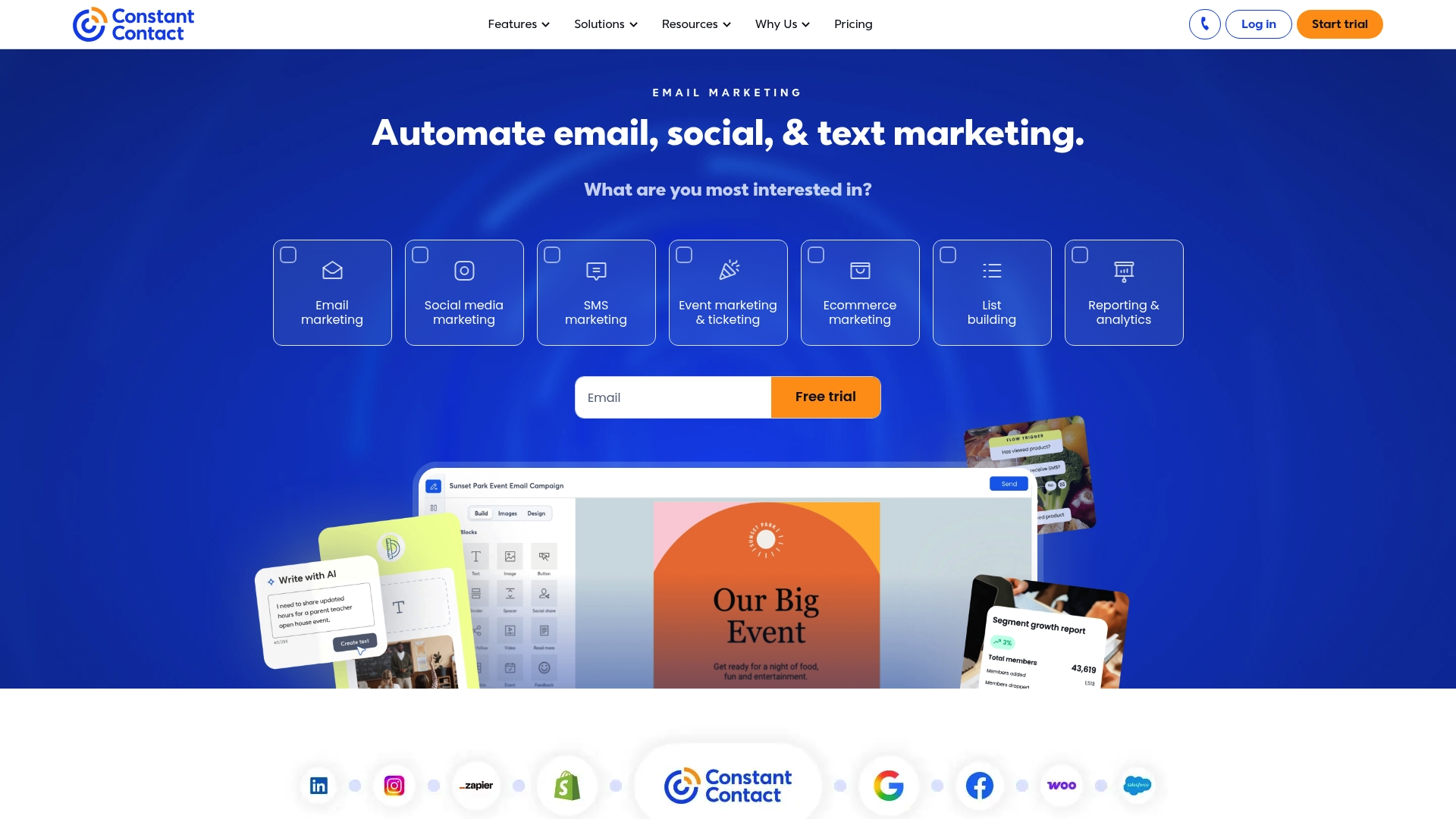
Constant Contact is an online marketing platform built to help businesses run email campaigns, manage social media, and automate basic marketing workflows. It shines for small to medium-sized businesses that need an approachable toolset and reliable customer support. That said, the platform can feel expensive for very small operations, and some template customization and advanced features require a learning investment. Use it if you want a sensible, all-in-one marketing hub that gets the basics right.
Core Features
Constant Contact offers core capabilities that align with everyday marketing needs: email marketing campaigns, social media management, marketing automation, contact management, and reporting and analytics. The platform lets you build and send promotional emails, organize and segment contacts, schedule social posts, automate follow-ups, and track opens, clicks, and campaign performance. These features work together to move a lead from first touch to repeat customer, with reporting that helps you see what’s resonating and what needs adjustment.
Pros
- User-friendly interface: The platform prioritizes clarity and simplicity, which reduces onboarding time for teams that don’t have dedicated email specialists.
- Wide range of marketing tools: Email, social posting, automation, contact management, and analytics are available in one place, reducing the need for multiple apps.
- Good customer support: Support options aim to help you troubleshoot campaigns and get unstuck faster, which matters when a promotion is time-sensitive.
- Integration capabilities with other platforms: The ability to connect with other tools helps keep contact lists and campaign data synchronized across your stack.
- Strong automation features: Automation handles routine follow-ups and drip sequences so you can scale customer engagement without manual effort.
Cons
- Pricing could be high for small businesses: For sole proprietors or micro-shops, the cost may not justify the feature set unless you rely on email marketing as a primary sales channel.
- Limited customization in some templates: If you need pixel-perfect, brand-exact email designs, the template options can feel restrictive and may require workarounds.
- Steep learning curve for advanced features: Basic tasks are simple, but deeper automation and segmentation require time to master and plan effectively.
Who It’s For
Constant Contact is best suited for small to medium-sized businesses that need a straightforward, dependable marketing platform without assembling multiple specialized tools. If your focus is consistent promotional emails, basic automation, and keeping a clean contact database, this product fits well. It’s also a solid choice when you value support and a lower barrier to entry for nontechnical team members.
Unique Value Proposition
Constant Contact packages email, social, automation, and analytics into a single, approachable platform designed to keep your audience engaged and campaigns consistent. Its combination of usability and integrated feature sets creates a practical “silent sales machine” for businesses that want steady, ongoing outreach without building a complicated marketing stack.
Real World Use Case
A small retail store uses Constant Contact to schedule monthly promotional emails announcing new products, runs automated welcome sequences for new subscribers, and tracks which messages drive in-store visits. The owner relies on the reporting to refine subject lines and promotional timing.
Pricing
Pricing details are not available in the provided content, though the platform notes that pricing could be high for very small businesses.
Website: https://constantcontact.com
Email Marketing Tools Comparison
The table below provides a comprehensive comparison of the email marketing tools evaluated, summarizing their features, pricing, pros, and value propositions for informed decision-making.
| Product | Core Features | Pros | Pricing | Best For |
|---|---|---|---|---|
| EmailedGar | Focused email education, automated sequences, resource availability | Provides educational resources, drives consistent sales, supports informed marketing strategies | Pricing not specified | E-commerce business owners looking for guided implementation and consistent sales growth |
| EmailGreen | All-in-one platform integrating CRM, email campaigns, event management, and booking | Cost-effective, easy to use, integrates various marketing tools into one product | Starting at $19/month | Small-medium businesses that prefer a multifunctional tool for centralized operations |
| EmailOctopus | Scalable email marketing with drag-and-drop design, automations, and analytics | Affordable, straightforward, good for scaling, discounts for nonprofits | Starts at $9/month billed yearly | Businesses and nonprofits favoring simplicity, affordability, and scalability |
| Selzy | Campaign emails combined with analytics and automation | User-friendly, comprehensive email marketing features, strong integration support | Pricing not specified | E-commerce businesses and marketers seeking approachable and consistent outreach tools |
| Mailchimp | Comprehensive suite with email, analytics, AI content assistance, multi-channel tools | Robust features, integrates with multiple platforms, strong for automation and analytics | Starts from free tier | E-commerce merchants needing centralized automation and reporting for strategic campaigns |
| Constant Contact | Email and social media management with automation and reporting | Easy interface, good support, includes basic necessary marketing tools | Pricing not specified | Small-medium businesses prioritizing ease-of-use and reliable marketing capabilities |
Unlock the Power of Automated Email Marketing to Build Your List and Boost Sales
The article highlights a common challenge for businesses: how to consistently grow an email list while converting subscribers into loyal customers. Many email marketing platforms offer plenty of features, but what truly matters is turning your email list into a reliable sales channel that runs quietly and effectively in the background. You want automated, education-driven strategies that keep your brand top-of-mind and engage your audience without needing constant manual effort.
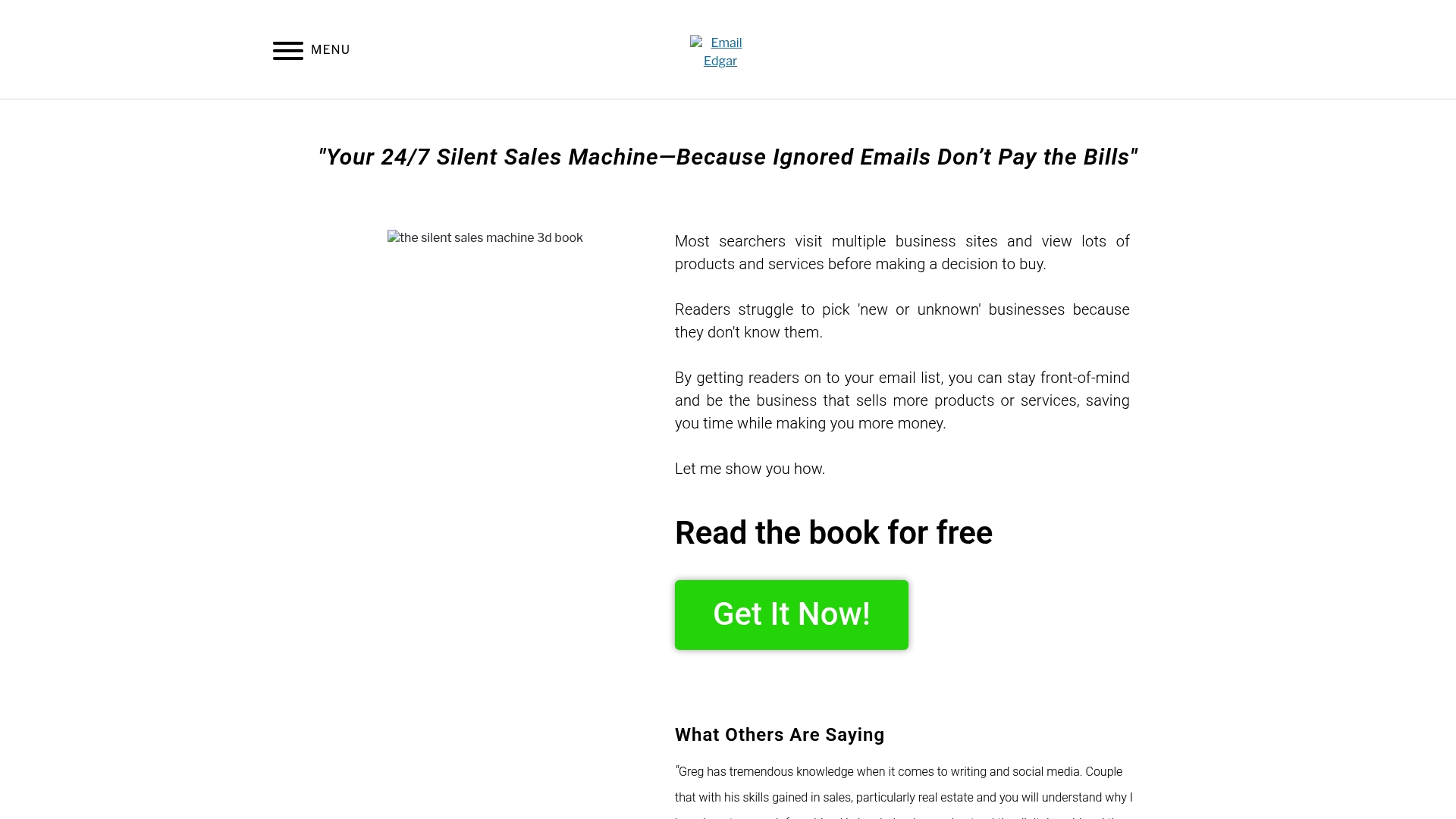
At EmailedGar, we understand these pain points. Our platform focuses on helping you build and maintain an email list that drives measurable revenue through consistent messaging and smart automation. With resources like our free email marketing book and personalized coaching, we guide you step-by-step to transform your email campaigns into a “silent sales machine” working 24/7 for your business. Experience how practical, repeatable email marketing systems increase sales and improve customer engagement on your terms.
Ready to make your email list a dependable growth engine? Discover our approach and start mastering email marketing today at EmailedGar. Take the first step now to learn how to leverage automation in your email strategy by visiting our landing page.
Don’t wait for your competitors to outpace you with email automation. Visit EmailedGar and unlock proven tactics to build your list faster and convert more buyers from your subscribers.
Frequently Asked Questions
How do I choose the right email list building software for my business?
To choose the right email list building software, assess your specific needs such as automation capabilities, ease of use, and reporting features. Start by listing your primary goals, like increasing subscriber engagement or segmenting your audience, and match those goals with the software’s strengths.
What key features should I look for in email list building software?
When selecting email list building software, look for features like customizable templates, automation tools, analytics tracking, and user-friendly interfaces. These capabilities help streamline your email campaigns and effectively engage your subscribers while measuring performance.
How can I effectively grow my email list using these software options?
To effectively grow your email list, create compelling lead magnets like free guides or exclusive discounts and integrate them into your chosen software. Additionally, promote your signup forms on social media channels and your website to reach a broader audience and increase signups by 25% within a few months.
What is the typical learning curve for using these email list building tools?
The learning curve for these tools varies, but most users can expect to get comfortable within a few days to weeks, depending on their technical background. Engage with available tutorials or customer support to expedite your learning process and start executing campaigns faster.
How often should I clean and update my email list for optimal performance?
Aim to clean and update your email list at least every six months to maintain its effectiveness and maximize engagement. Regularly remove inactive subscribers and verify existing contacts to improve open rates and reduce bounce rates by approximately 15%.