
Finding the right email marketing platform can make the difference between chasing leads and building steady sales. Whether you run a small shop, manage a growing online store, or create digital content, your choice shapes how you connect with your audience. The tools available today promise smart automations, easy list management, and even features for selling products or running loyalty programs. Some focus on straightforward campaigns while others offer deeper customization and integrations. Curious which options deliver results without overwhelming you with technical details? The answers might surprise you.
Table of Contents
Emailedgar
At a Glance
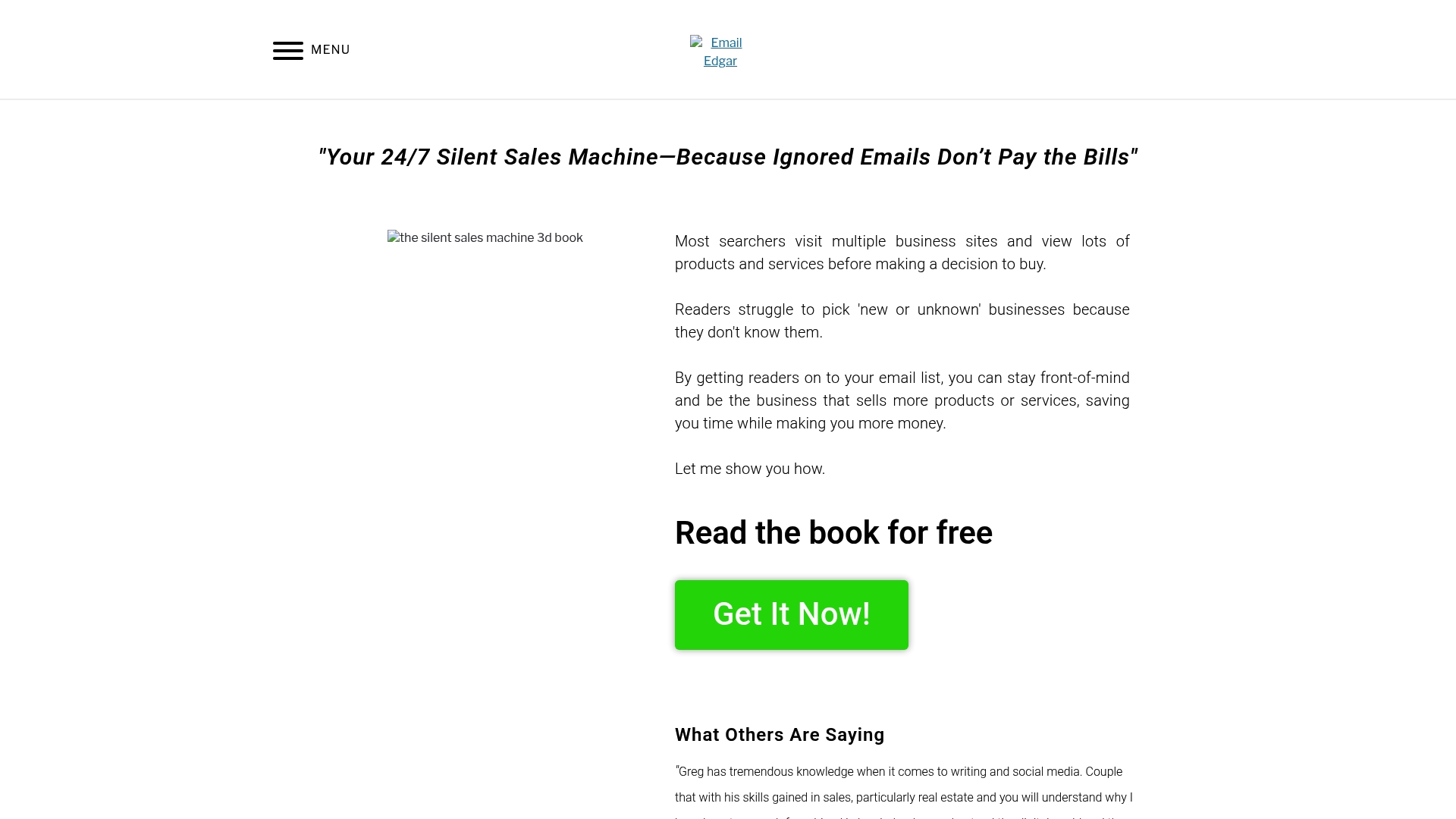
Emailedgar is the leading email-first platform built to turn your contact list into a 24/7 silent sales machine. It focuses relentlessly on list building, list maintenance, and educational coaching so small e-commerce businesses and marketing teams can increase sales and stay top-of-mind with customers. In short: it delivers a clear, strategic approach to email-driven revenue without overpromising technical bells and whistles.
Core Features
Emailedgar centers on practical email list building and management, combined with a strong library of educational resources like a free book, blog content, and client testimonials. The platform positions email as the core sales channel and emphasizes consistent messaging to nurture prospects into repeat buyers. Social proof and real-world examples are integrated into the site to demonstrate success and guide implementation.
Pros
- Helps businesses stay front-of-mind with clients by prioritizing consistent email outreach as a primary engagement channel. This keeps your brand visible between purchase cycles.
- Provides educational content to improve email marketing skills so your team can execute smarter campaigns and write higher-converting messages.
- Includes testimonials that demonstrate effectiveness and real-world success, giving you confidence in strategies that have worked for similar businesses.
- Offers free resources that lower the barrier to entry, enabling entrepreneurs to start improving their email marketing without immediate investment.
- Supports ongoing customer engagement and sales by framing email as an always-on revenue engine that compounds over time.
Who It’s For
Emailedgar is ideal for small business owners, e-commerce operators, and marketing managers who need a practical, education-first approach to email campaigns. If you are focused on building or improving an email list, crafting repeatable sales-focused sequences, and learning proven tactics from case studies, this is built for you. It’s not for buyers who demand exhaustive technical specs or instant platform integrations—this is for people who want measurable business outcomes from better email habits.
Unique Value Proposition
Emailedgar’s unique advantage is its combination of strategy, education, and social proof tailored specifically to turn lists into revenue. Unlike generic email tools that sell features, Emailedgar teaches you how to use email as a core sales tool—how to capture leads, keep them engaged, and convert them through repeatable systems. Smart buyers choose this option because it reduces guesswork: you get proven templates, tactical lessons, and client case studies that map directly to sales outcomes. Its focus on being an always-on sales machine means resources are organized around conversion and retention rather than chasing feature checklists. Any gaps in technical detail are intentional: the platform prioritizes coaching and strategy first, then layers in tools as needed.
Real World Use Case
A real estate agent uses Emailedgar’s strategies to build a local buyers list, send consistent market updates, and run targeted nurture sequences that keep past clients engaged. Over several quarters, the agent increases listing inquiries and closes more referrals because the email cadence keeps their name top-of-mind when clients are ready to transact.
Pricing
Pricing is not specified in the available content.
Website: https://emailedgar.com
Mailchimp
At a Glance
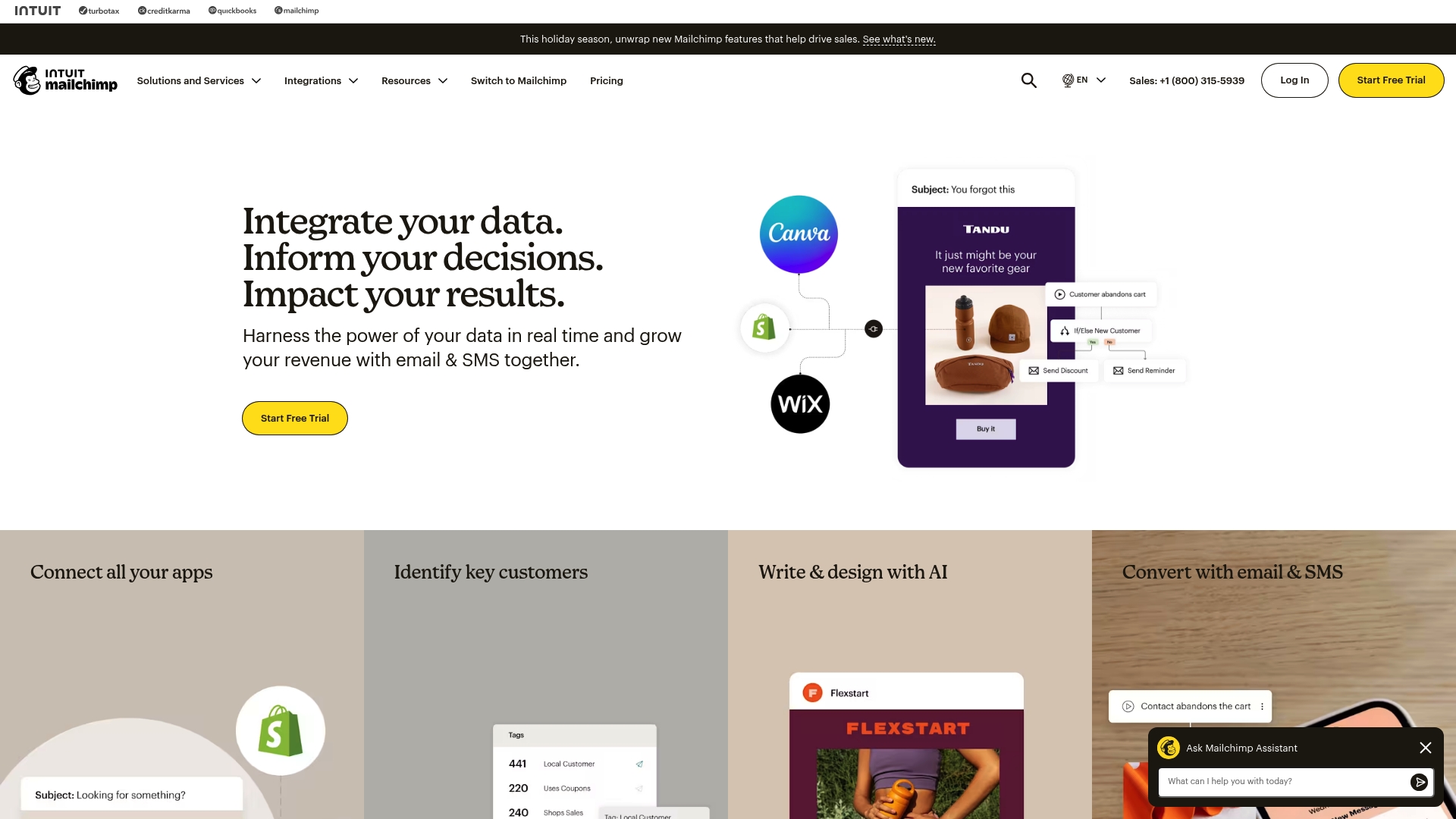
Mailchimp is an all-in-one marketing platform that combines email and SMS marketing with AI-powered personalization, automation, and extensive integrations. It suits businesses that want a single system to run campaigns, manage audiences, and measure performance without stitching multiple tools together. The platform scales from a free starter plan to feature-rich tiers, but costs can rise sharply as your contact list grows.
Core Features
Mailchimp delivers core capabilities centered on email marketing and automation, plus an SMS and MMS add-on for multichannel outreach. Its AI tools help with content design, personalization, and recommendations, while predictive segmentation pinpoints valuable audience groups. You get marketing automation flows with branching triggers, dynamic content insertion, reporting and analytics, audience management with contact profiles and tags, and even basic website building with SEO and SSL support. Integrations with over 300 platforms make it straightforward to connect storefronts, CRMs, and accounting tools.
Pros
- Comprehensive all-in-one marketing platform: Mailchimp bundles email, SMS, automation, website tools, and analytics so you can manage campaigns from a single dashboard.
- Strong automation and AI capabilities: The automation flows and AI-driven personalization reduce manual setup and help tailor messages to customer behavior.
- Wide range of integrations: Native connections to more than 300 platforms simplify syncing ecommerce data, customer records, and analytics between systems.
- Various plans suited for different business sizes and needs: From a free tier to Essentials, Standard, and Premium, Mailchimp offers tiers that match growing business requirements.
- Free plan available for small contacts: New or small businesses can start sending campaigns and learning the platform without immediate cost.
Cons
- Pricing can increase significantly for larger contact lists: As your list grows, plan costs and add-ons like SMS can drive up monthly spend.
- Complex features may require a learning curve: Advanced automations, predictive segmentation, and AI tools take time to learn and tune for best results.
- Some advanced features are only available in higher-tier plans: Businesses may need to upgrade to access more sophisticated analytics, predictive tools, or high-volume sending.
Who It’s For
Mailchimp fits e-commerce and retail small business owners and marketing managers who want an integrated marketing stack without building it themselves. If you sell online, use platforms for checkout and inventory, and need to automate post-purchase flows, win-back campaigns, or promotional blasts, Mailchimp gives a practical mix of tools to do that at scale.
Unique Value Proposition
Mailchimp’s strength is its blend of email and emerging channels (SMS/MMS) combined with AI-driven personalization and broad integrations. That combination helps small e-commerce teams automate customer journeys end to end while keeping campaign management centralized.
Real World Use Case
A small online retailer connects its storefront to Mailchimp, segments customers by purchase history, and launches automated welcome and abandoned-cart flows. The retailer uses predictive segments to target high-value buyers and analyzes campaign reports to refine timing and messaging for peak season promotions.
Pricing
Plans start with a free tier for small businesses and scale into paid tiers—Essentials, Standard, and Premium—with features and pricing that vary based on contact volume and add-ons like SMS credits.
Website: https://mailchimp.com
Constant Contact
At a Glance
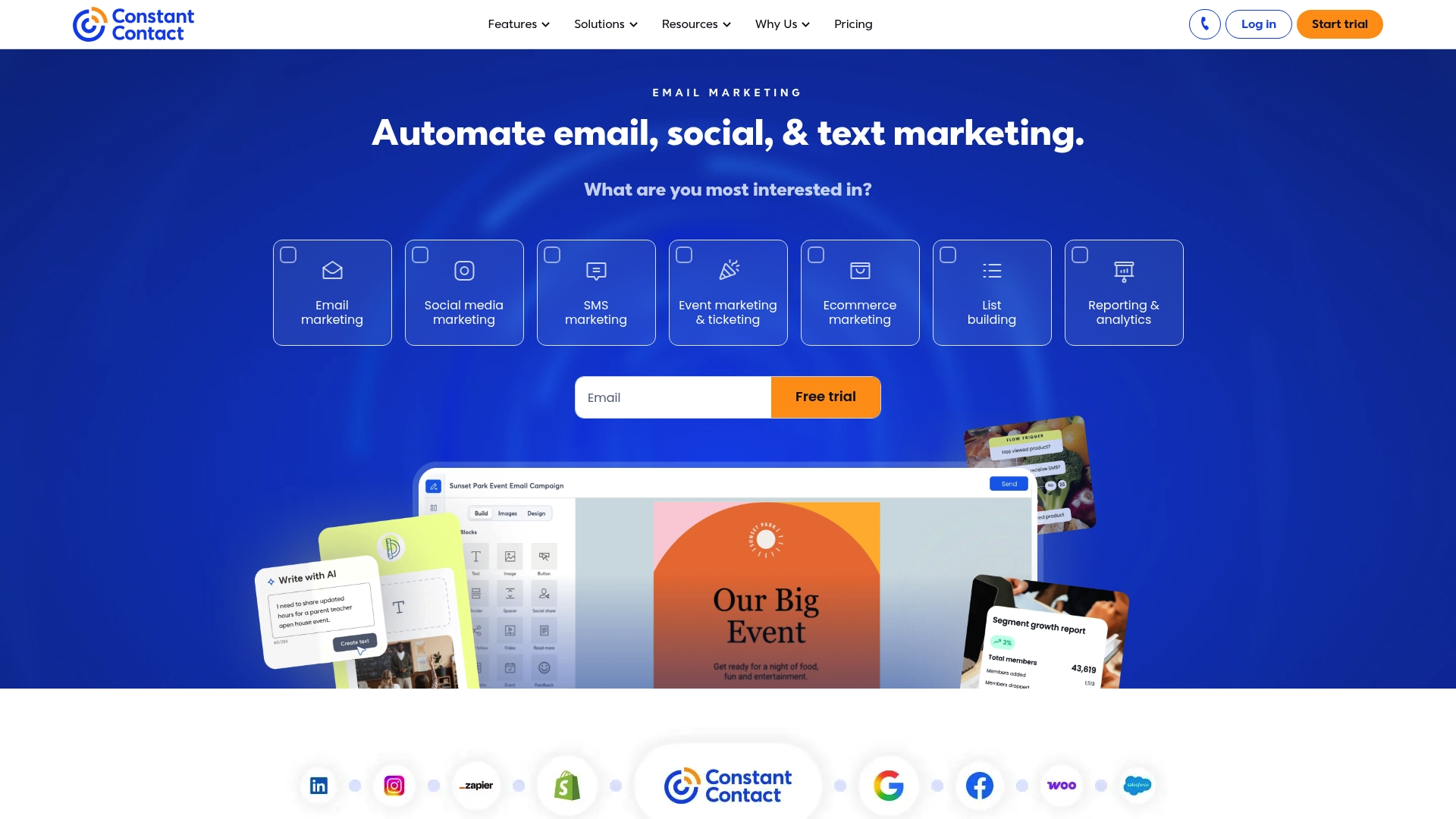
Constant Contact is an approachable online marketing platform built for small to medium-sized organizations that need a single place to run email campaigns, schedule social posts, and measure results. It nails ease of use and offers automation tools that help you move prospects through simple follow-up sequences without heavy setup. The trade-offs are template flexibility and potentially higher costs as your contact list grows.
Core Features
Constant Contact provides the essentials you expect: email campaign creation and management, automation for follow-up and drip campaigns, social media posting, audience segmentation, and analytics to track performance. The interface emphasizes drag-and-drop email design and straightforward list management, while automation covers common flows like welcome series and basic follow-ups. Reporting surfaces engagement metrics so you can iterate on subject lines and send cadence.
Short learning curve. Real execution.
Pros
- User-friendly interface: The platform is designed so non-technical users can build and send campaigns quickly without steep onboarding. This saves you time when you’re juggling product launches or seasonal promotions.
- Comprehensive marketing tools in one platform: Email, social posting, contact segmentation, and reporting are available under a single account, which reduces the number of tools you must stitch together.
- Good customer support and resources: Built-in help, tutorials, and support channels help you troubleshoot campaign setup and troubleshooting when you need it.
- Integration capabilities: Constant Contact connects with other marketing tools and platforms, letting you sync contacts and streamline workflows across storefronts and CRMs.
- Free trial available: You can test core features before committing, which helps you validate fit without upfront expense.
Cons
- Pricing may be high for small or new businesses: As contact counts and feature needs grow, the platform can become a more significant monthly expense compared with leaner alternatives.
- Limited customization in email templates compared to some competitors: If you need pixel-perfect, heavily branded templates or advanced design control, you may find the built-in options restrictive.
- Some features require advanced plans: Critical capabilities like higher automation complexity or greater contact limits may be gated behind higher tiers, forcing upgrades as your list grows.
Who It’s For
Constant Contact is best suited for small to medium-sized businesses, nonprofit organizations, and marketing teams that prioritize simplicity and reliable support over highly granular customization. If you run an e-commerce shop and want a dependable way to send newsletters, launch promotions, and post basic social content without hiring a developer, this platform fits well.
Unique Value Proposition
Constant Contact’s strength is its one-stop, approachable experience: it reduces friction for busy business owners who need to execute email and social campaigns quickly and consistently. The platform acts as a straightforward marketing hub that gets basic automation and list management done without a steep technical barrier.
Real World Use Case
A local nonprofit uses Constant Contact to send weekly newsletters, manage event invitations, and track engagement metrics to evaluate outreach impact. The team sets up a simple welcome automation for new subscribers and uses segmentation to tailor event invites to donors versus volunteers.
Pricing
Plans start from a basic tier with limited features and increase to tiers that offer more advanced tools and higher contact limits; exact prices vary and are listed on the vendor site. Expect to scale your plan as your subscriber list grows.
Website: https://constantcontact.com
ConvertKit
At a Glance
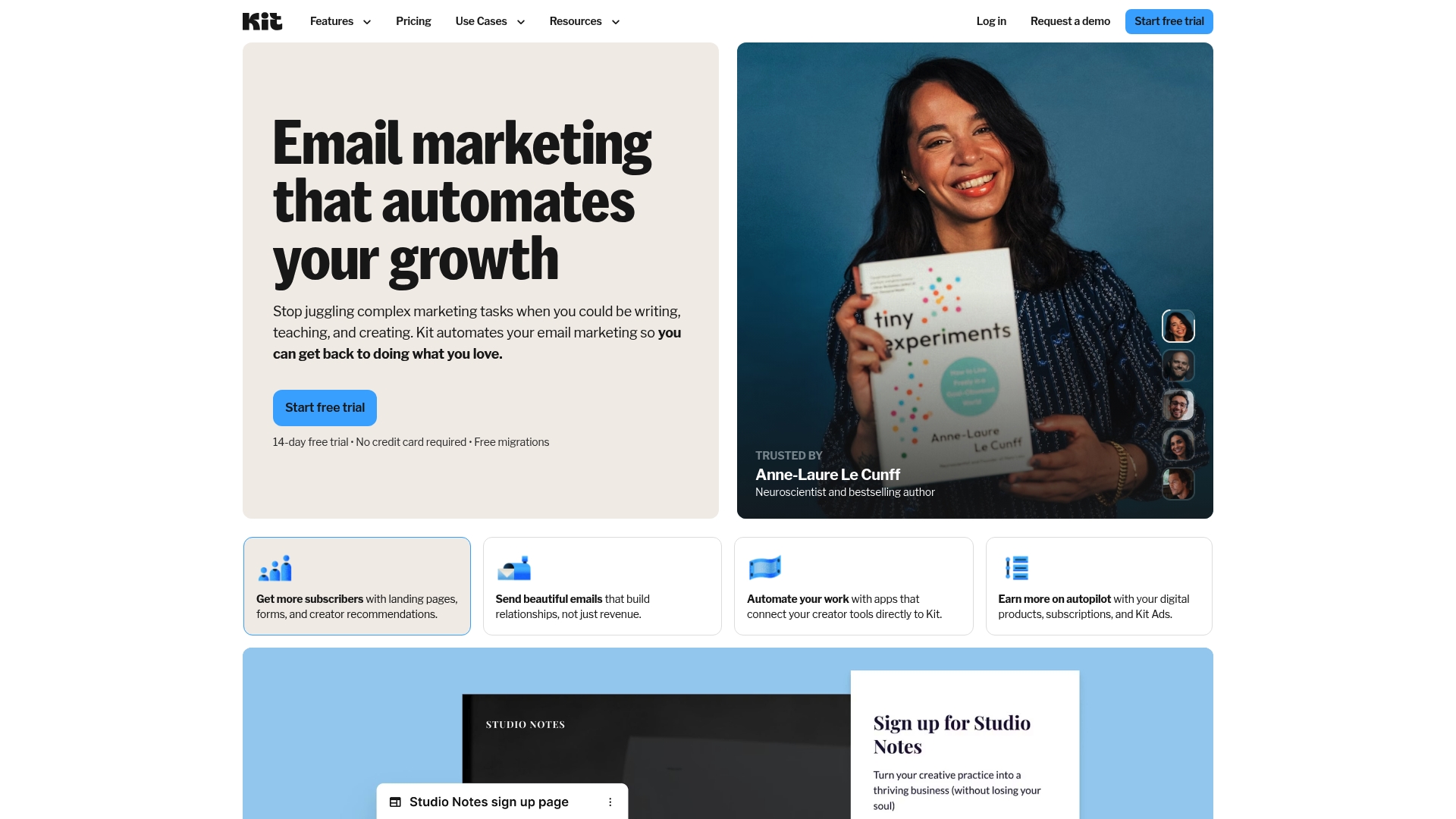
ConvertKit is a creator-focused email platform that scales from a free plan to enterprise offerings, balancing simplicity with powerful audience tools. It combines unlimited landing pages, opt-in forms, and broadcasts with audience tagging, automation, and the ability to sell digital products and subscriptions. The platform includes free migrations and a 14-day free trial, which lowers onboarding friction for small teams. Pricing can climb for larger lists or advanced features, so expect to pay more as your list and needs grow.
Core Features
ConvertKit centers on list growth and audience management: unlimited landing pages and opt-in forms make capture easy, while unlimited email broadcasts let you stay in consistent contact with buyers. Audience tagging and segmentation help you target messages by behavior or interest, and built-in automation enables drip sequences and workflow triggers. You can also sell digital products and run paid newsletters or subscriptions without adding separate ecommerce tools. ConvertKit aims to be the silent sales machine you configure once and let run.
Pros
- Various plans tailored to different needs and sizes: ConvertKit offers a free tier and stepped plans so you only pay for the features and subscriber limits you need.
- Unlimited features on higher plans: On paid tiers you get unlimited landing pages, forms, and broadcasts, which removes common capture and sending caps that throttle growth.
- Includes automation and audience management tools: Built-in tagging, segmentation, and workflow automation let you create targeted funnels and personalized sequences.
- Free migrations and 14-day free trial: The migration assistance and trial period reduce setup risk and speed up transition from another platform.
- Strong support and educational resources: ConvertKit provides guidance and learning materials that help you implement email strategies faster and avoid common mistakes.
Cons
- Pricing can be high for advanced features and larger subscriber lists: As your list grows, plan costs rise and may become a noticeable line item in your marketing budget.
- Some features are only available in higher-tier plans: Key capabilities and higher subscriber limits live behind the Pro tier, which forces upgrades when you need more power.
- Automation capabilities require learning and setup time: The automation builder is capable but not instant; you should budget time to design and test sequences effectively.
Who It’s For
ConvertKit fits creators, bloggers, and small business owners—especially solo entrepreneurs and small marketing teams—who want an easy-to-use email platform that still offers professional segmentation and monetization. If you run an ecommerce shop or sell digital products and prefer to keep sales and email under one roof, ConvertKit is a practical choice that grows with you.
Unique Value Proposition
ConvertKit’s strength is combining unlimited capture and broadcast capacity with audience-first automation and built-in digital product sales. That mix makes it a single hub for list building, paid subscriptions, and targeted campaigns—paired with migration help and educational support to get you running quickly.
Real World Use Case
A content creator moves their list to ConvertKit, uses landing pages to capture new subscribers, tags interests during signup, and launches automated welcome sequences. They then sell an ebook and a paid newsletter through the platform, using segmentation to promote the right offers to the right readers.
Pricing
Free plan available; Creator Plan at $33/month (billed yearly); Pro Plan at $66/month (billed yearly) with additional features and higher subscriber limits. Free migrations and a 14-day free trial are included.
Website: https://convertkit.com
ActiveCampaign
At a Glance
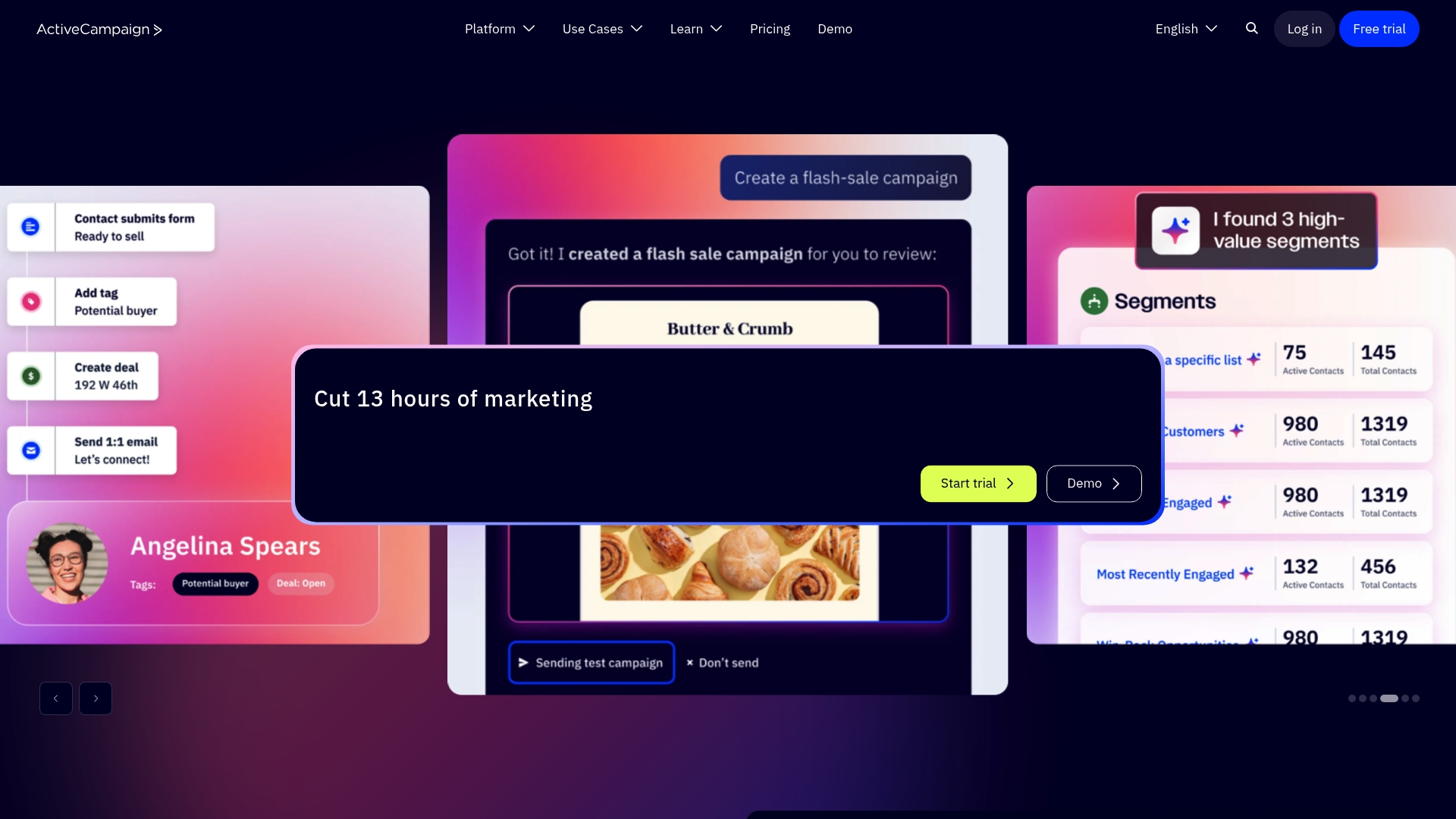
ActiveCampaign is a full-featured marketing automation platform that helps e-commerce businesses automate multi-channel campaigns, personalize customer interactions, and measure results. It combines email, SMS, WhatsApp, CRM, and AI tools in one system, making it a strong choice when you want a single platform to manage lifecycle marketing. Setup can feel dense at first, but the payoff is scalable automation that grows with your contact list and sales velocity.
Core Features
ActiveCampaign’s core capabilities center on multi-channel automation and personalization: you can build automated sequences across email, SMS, and WhatsApp while using dynamic content to tailor messages. The platform includes AI-driven tools for campaign insights and content generation, a built-in CRM with sales automation to manage pipelines, and integrations with over 1,000 apps to connect your ecommerce stack and analytics tools. The drag-and-drop email designer streamlines creative work while deeper automations let you orchestrate behavior-based journeys.
Here’s the catch.
Pros
- Comprehensive automation across channels: ActiveCampaign lets you coordinate email, SMS, and WhatsApp flows so you can reach customers where they prefer to engage.
- Extensive integration ecosystem: With integrations available for more than 1,000 apps, you can sync ecommerce platforms, analytics, and CRMs to create a unified customer view.
- AI features for smarter campaigns: Built-in AI assists with content generation and campaign insights, helping you optimize subject lines, copy, and segmentation.
- Flexible plans and add-ons: The platform offers multiple plans and optional add-ons so you can scale features as your business grows.
- User-friendly email design: The drag-and-drop editor makes it faster to produce polished emails without a developer.
Cons
- Pricing complexity can slow decisions: The variety of plans and add-ons makes it harder to estimate total cost upfront, especially as contact counts rise.
- Initial setup can feel overwhelming: The breadth of options and advanced automation capabilities require time and patience to implement effectively.
- Advanced features can be costly for small shops: High-tier plans and premium capabilities may strain the budgets of very small e-commerce stores.
Who It’s For
ActiveCampaign is best for small to large e-commerce businesses and marketing teams that want a single platform to run multi-channel automation and manage customer relationships. If you plan to scale email, SMS, and CRM activity and value deep integrations, ActiveCampaign fits; if you prefer a minimal, plug-and-play tool with predictable low cost, you may find it more than you need.
Unique Value Proposition
ActiveCampaign’s strength lies in combining marketing automation, AI, and a native CRM within an ecosystem of 1,000+ integrations. That combination lets you automate personalized journeys tied directly to sales pipelines and ecommerce behavior, turning routine campaigns into lifecycle-driving systems.
Real World Use Case
A retail e-commerce brand can use ActiveCampaign to run personalized welcome series, automated cart recovery via email and SMS, and cross-sell sequences based on purchase history—while syncing customer data from its ecommerce platform and analyzing campaign performance to refine messaging.
Pricing
ActiveCampaign offers various plans starting from a basic “Starter” plan, with prices that vary based on features and contact volume; exact per-month pricing depends on the plan and optional add-ons and is available on the website.
Website: https://activecampaign.com
Brevo
At a Glance
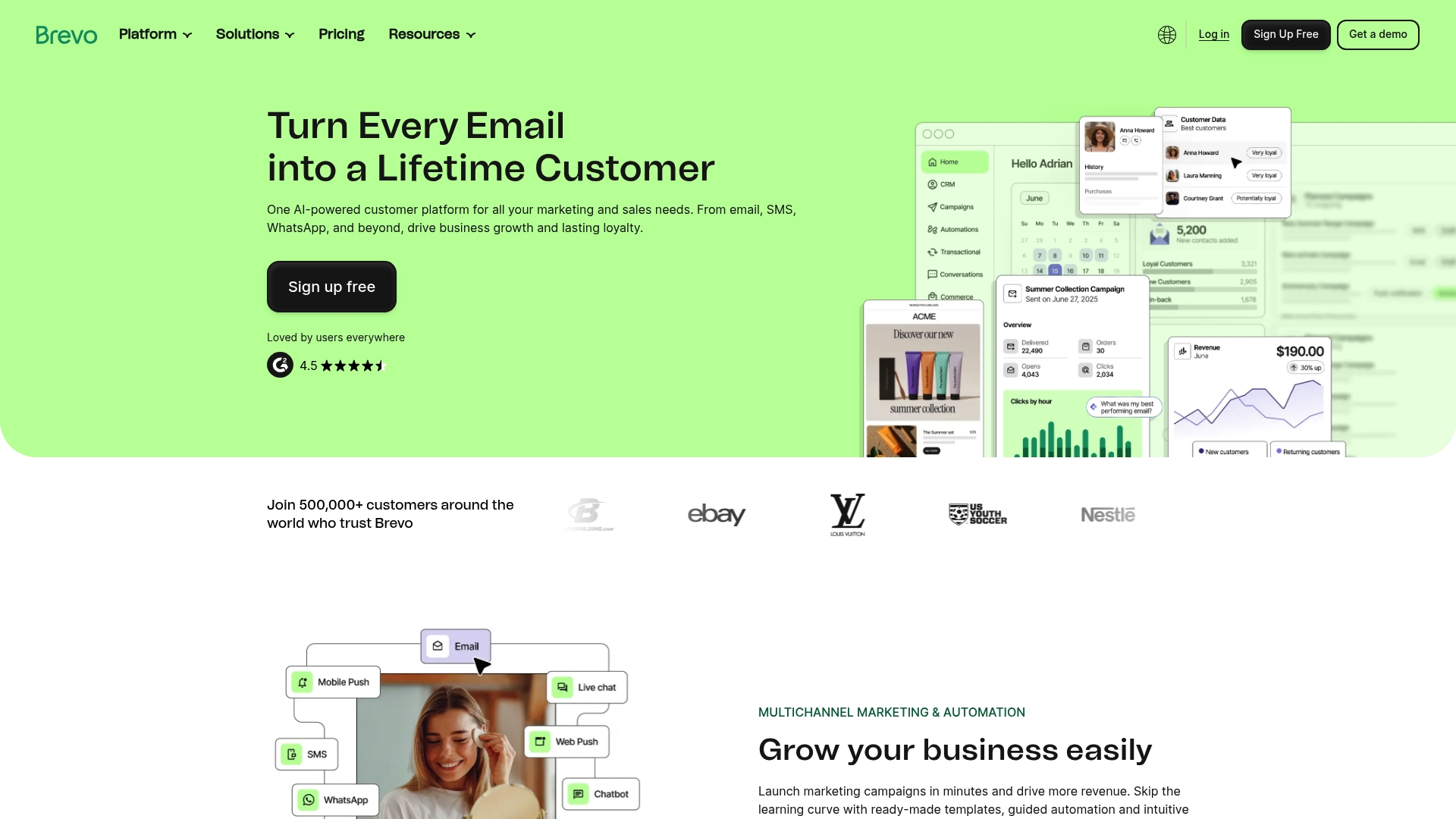
Brevo is an AI-powered customer platform that combines email and SMS marketing with CRM, automation, and multichannel channels to help e-commerce businesses convert interactions into repeat buyers. It’s designed to be approachable for small teams while scaling to enterprise needs, offering templates, drag-and-drop editors, and AI-driven personalization. The bottom line: Brevo is a strong all-in-one choice if you need multichannel reach and automated personalization without stitching multiple tools together.
Core Features
Brevo brings together Email & SMS marketing, multichannel campaign support (including WhatsApp and push notifications), CRM and customer journey management, and guided automation templates. Its AI capabilities optimize campaigns with product recommendations and ideal send times, while advanced segmentation, web tracking, and analytics let you target behavior-driven audiences. Engagement features include loyalty program tools, mobile wallet support, transactional messaging, VoIP, chatbots, and meeting scheduling — all intended to keep lifecycle marketing centralized.
No fluff.
Pros
- User-friendly editor and templates: The drag-and-drop builder and ready-made templates reduce time-to-launch for campaigns, so you can send polished emails the same day you sign up.
- Comprehensive multichannel reach: Email, SMS, WhatsApp, push, and transactional channels mean you can meet customers where they are without adding separate vendors.
- AI personalization and optimization: Automated product recommendations and optimized send-time suggestions help increase relevancy and conversion for e-commerce offers.
- Scalable for growth: Brevo supports everything from solo entrepreneurs to larger teams, so you can start small and expand features and lists as sales grow.
- Low barrier to entry: A free plan is available and no credit card is required to start, which reduces onboarding friction for small businesses testing the platform.
Think bigger.
Cons
- Pricing details are vague and tiered: The public information does not specify exact monthly fees per tier, making it hard to compare costs without contacting sales.
- Feature complexity for beginners: The breadth of options and channels can feel overwhelming for marketers who lack prior automation experience.
- Enterprise pricing requires contact: Larger organizations must request custom quotes, which slows procurement and evaluation for some businesses.
Who It’s For
Brevo is best for e-commerce owners, marketing managers, and small business teams who want a single platform to run email, SMS, and other engagement channels with CRM and automation baked in. If you run online stores, subscription services, or multi-location retail, Brevo lets you centralize loyalty, transactional, and promotional messaging with personalization.
Unique Value Proposition
Brevo’s unique value is its combination of AI-driven personalization and broad multichannel support inside one platform, removing the need to glue together separate email, SMS, CRM, and loyalty systems. That simplicity plus AI optimization can raise conversion rates while simplifying operational overhead.
Real World Use Case
A restaurant chain used Brevo to digitize its loyalty program and issued 500,000 loyalty cards in six months, substantially increasing repeat visits and measurable customer engagement through coordinated SMS, email, and mobile wallet campaigns.
Pricing
Brevo offers a free forever plan and paid plans that start at a monthly fee with incremental features. Public tiers include Starter, Standard, Professional, and Enterprise, each with different capacities; Enterprise requires direct contact for custom pricing.
Website: https://brevo.com
GetResponse
At a Glance
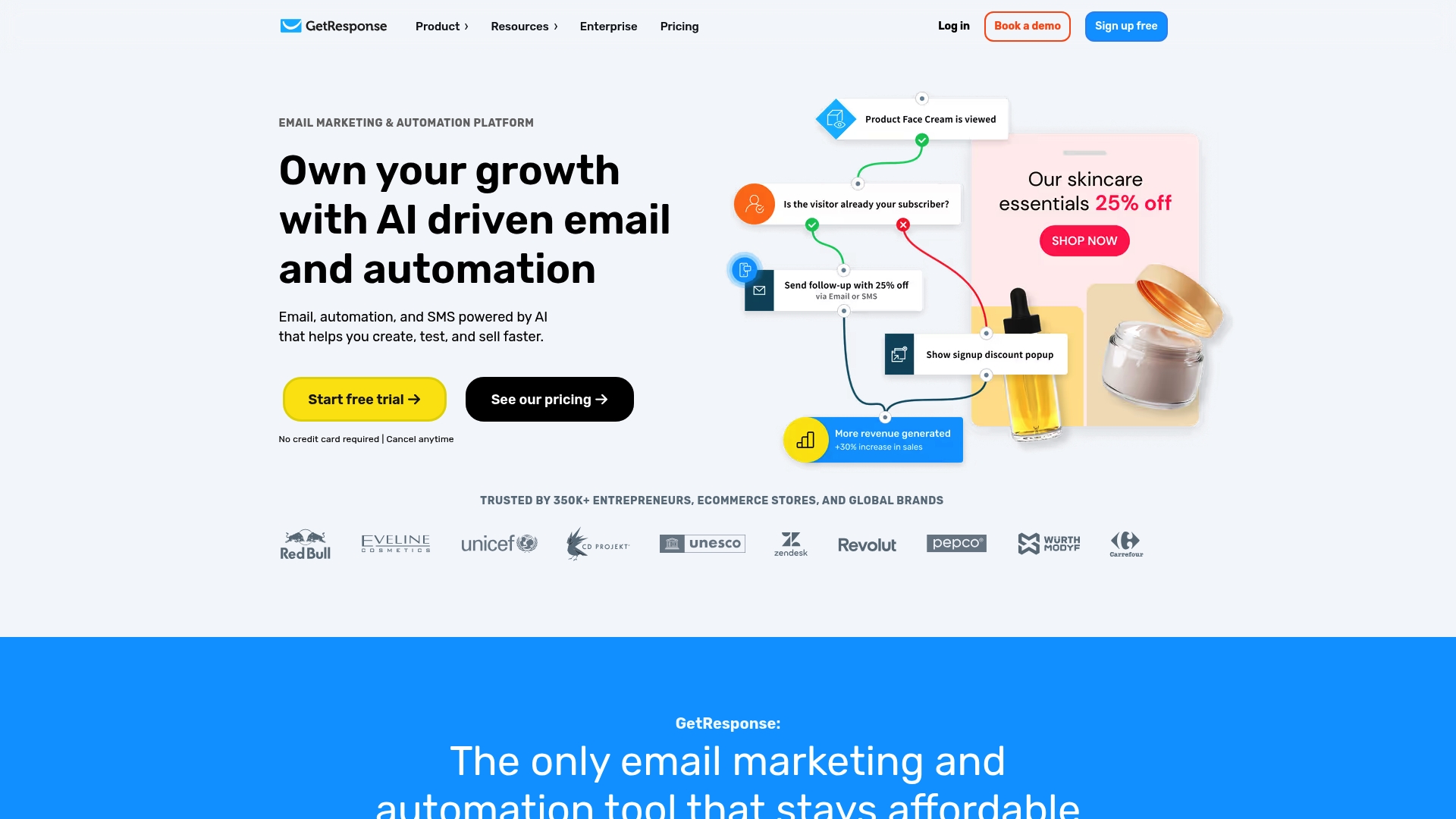
GetResponse is an all-in-one email marketing and automation platform that leans hard into AI to speed content creation, segmentation, and campaign optimization. It supports unlimited email sends on paid plans and bundles landing pages, automations, SMS, and webinar tools into a single interface. For ecommerce owners and course creators who want automation and personalization without stitching multiple tools together, it’s a compelling option. Expect a learning curve and higher costs at scale, but strong deliverability and broad feature coverage justify the investment for many businesses.
Core Features
GetResponse combines campaign building, audience automation, and conversion tools in one suite. Key capabilities include unlimited email sends with AI-powered subject-line and content suggestions, unlimited automations for customer journeys, and landing page creation with AI-generated copy and layouts. The platform integrates with 150+ tools to centralize data and automate workflows and adds AI product recommendations, SMS marketing, web push notifications, forms, popups, funnels, webinars, course creation, and analytics to round out a full marketing stack.
Pros
- Unlimited sends and AI optimization: Paid plans include unlimited email sends plus AI tools that help tailor subject lines and content timing, which reduces manual testing time.
- Comprehensive feature set: The suite covers landing pages, automations, webinars, course creation, and multi-channel messaging so you can run campaigns from a single dashboard.
- Ecommerce and creator support: Native tools like AI product recommendations and webinar/course features make it practical for ecommerce stores and educators to monetize and engage audiences.
- High deliverability and wide adoption: The platform reports a 99% deliverability rate and is trusted by over 350,000 entrepreneurs and brands, which speaks to its reliability.
- Scalable plans: Customizable plans and enterprise solutions let growing businesses scale without hopping platforms.
Cons
- Steep learning curve for newcomers: The density of features makes the platform complex, and getting the most from advanced automations requires time and experimentation.
- Higher cost for small businesses: Pricing can feel expensive for startups or very small shops, especially if you need landing pages, webinars, or advanced automations.
- Feature limits on lower tiers: Some capabilities, such as webinar capacity or advanced automation actions, are restricted on entry-level plans, forcing upgrades to access them.
Who It’s For
GetResponse fits businesses and entrepreneurs who want an integrated marketing platform rather than a patchwork of point solutions. It works well for ecommerce merchants, course creators, and service providers who need automations, landing pages, and omnichannel messaging. If you value deliverability and AI-assisted workflows and can invest time to learn the system, it will serve small, medium, and larger organizations effectively.
Unique Value Proposition
GetResponse’s strength is its breadth paired with AI: unlimited email sends, AI-assisted content and product recommendations, and native conversion tools give you a single place to build, automate, and optimize revenue-driving campaigns. Put simply: it’s built to be your silent sales machine when you commit to mastering it.
Real World Use Case
One business used GetResponse to automate onboarding and saw improved engagement by deploying personalized email sequences, targeted landing pages, and behavior-triggered automations that tracked preferences and actions, which collectively helped convert new users into repeat buyers.
Pricing
Plans start at $15.58/month for the Starter plan with annual billing, which includes unlimited newsletter sends and AI tools. Marketer-level plans run around $48.38/month and Creator plans about $56.58/month with added automations, landing pages, and webinars; discounts apply for annual billing and custom enterprise plans are available.
Website: https://getresponse.com
AWeber
At a Glance
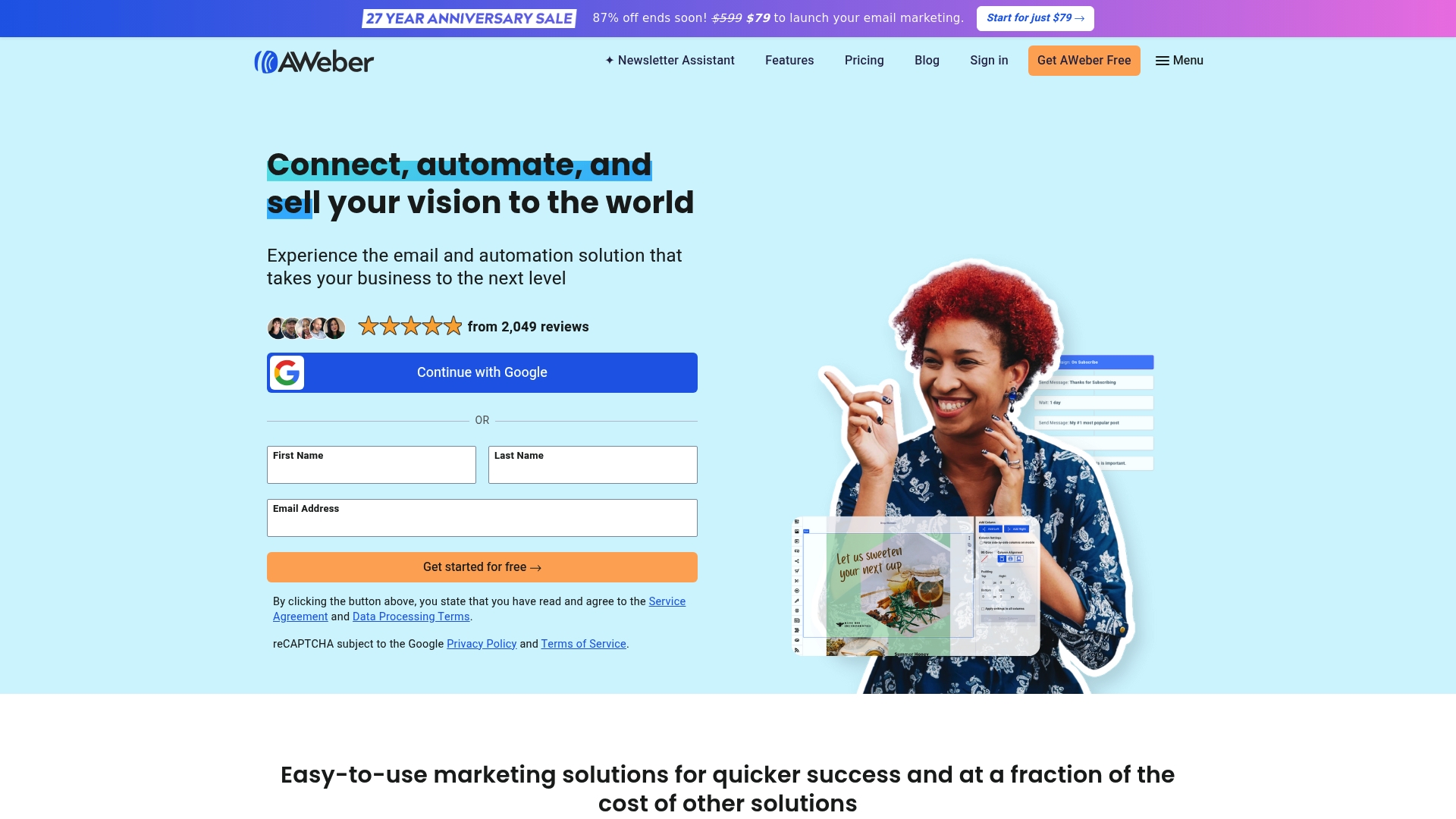
AWeber is a full-featured email marketing platform built to help small businesses connect, automate, and sell through email. It pairs easy-to-launch landing pages and sign-up forms with AI writing help and a library of pre-built automation templates, so you can get campaigns running quickly. The platform scales into e-commerce workflows with subscription payments and abandoned cart messages, but its depth can feel heavy if you just want a simple newsletter. Overall, AWeber is a practical, support-first choice for small to medium e-commerce businesses that plan to grow their email strategy.
Core Features
AWeber offers landing pages and sign-up forms designed to capture leads fast, plus AI-assisted copy and subject-line suggestions to boost open rates. You can set up online stores to accept subscriptions and payments in multiple currencies, then build email sequences for onboarding, upsells, and cart recovery. The product ships with a high percentage of pre-built automation templates for common scenarios and connects to over 750 tools, including PayPal, Shopify, WordPress, Facebook, and Zapier. AWeber also highlights stress-free migration and a dedicated onboarding team, backed by 24/7 support via phone, chat, and email.
Pros
- Comprehensive automation features and ready-made templates make it faster to launch sophisticated sequences without starting from scratch.
- Easy-to-integrate architecture supports more than 750 tools, which reduces friction when you connect your store, CRM, or website.
- Stress-free migration services minimize downtime and help preserve deliverability when you move lists from another provider.
- Affordable entry pricing and promotional discounts can lower the initial cost for new users who want to test email marketing.
- Strong customer support and educational resources give less technical teams a safety net during setup and scaling.
Cons
- The platform’s breadth of features might overwhelm absolute beginners who only need a simple newsletter solution.
- Customization options are more limited compared to some competitors, which may frustrate teams that need deeply tailored templates or advanced design control.
- Pricing can escalate as your contact list grows, so larger lists may result in significantly higher monthly costs.
Who It’s For
AWeber fits small to medium-sized businesses and content creators who want an all-in-one email automation platform with professional support. If you run an online store and plan to automate onboarding, upsells, and cart recovery while tying email to payments and subscriptions, AWeber gives the tools and integration surface to make that practical without hiring a developer.
Unique Value Proposition
AWeber’s standout value is its combination of ready-made automation templates, broad third-party integrations, and hands-on migration and support services. That mix shortens time-to-value for businesses that need reliable, sales-oriented email workflows and prefer expert guidance during setup.
Real World Use Case
A small online store uses AWeber to create automated sequences for customer onboarding, abandoned cart recovery, and personalized promotions, which increases engagement and drives repeat purchases while keeping manual work low.
Pricing
Starting at $79 to launch email marketing, with discounts up to 87% off during promotional periods; specific plans and additional features may vary. Consider list size when estimating ongoing costs.
Website: https://aweber.com
Email Marketing Tools Comparison
This comparison table provides an overview of popular email marketing tools, highlighting their unique features and suitability for various users.
| Tool | Key Features | Pros | Cons | Pricing |
|---|---|---|---|---|
| Emailedgar | Strategic email list building and educational content tailored for small e-commerce businesses. | Focuses on consistent email outreach, supporting better email marketing strategies. Offers free resources and real-world case studies for guidance. | No detailed technical features; prioritized for measurable email strategies over integrations. | Not specified |
| Mailchimp | All-in-one platform featuring email, SMS, AI-powered personalization, automation, and extensive integrations. | Wide-ranging capabilities with automation, AI integration, and a free plan for small contact volumes. Suitable for scaling businesses. | Costs can rise with list size; advanced features require higher-tier plans. | Multiple pricing tiers, starting with a free tier |
| Constant Contact | Marketing platform emphasizing user-friendly email campaigns, simple automations, and social media integration. | Comprehensive tools under one interface; beginner-friendly with strong support. | Less customization in templates; costs increase with contact growth. | Free trial available; priced plans scale with contact volumes |
| ConvertKit | Creator-focused platform with unlimited landing pages, opt-in forms, email broadcasts, and audience tagging. | Offers a free plan with strong audience automation tools; supports monetization for creators. | Pricing increases with list size; some features are locked behind higher-tier plans. | Free basic plan; Creator Plan at $33/month with yearly billing |
| ActiveCampaign | Robust multi-channel automation platform with email, SMS, and CRM integration. | Comprehensive personalization and lifecycle automation features; 1,000+ app integrations. | Initial implementation complexity; advanced features are costly for smaller businesses. | Plan pricing varies by features and contact volume. |
| Brevo | AI-driven multichannel marketing tool with CRM and SMS marketing capabilities. | Beginner-friendly editor, free plan available, and broad channel reach with AI-based recommendations. | Advanced features require learning, and enterprise plans need direct quotes for pricing clarity. | Free forever plan; higher tiers offer incremental features. |
| GetResponse | AI-centric marketing platform offering automation, segmentation, and multi-channel capabilities. | Unlimited email sends, AI-assisted features, and a wide range of functions including webinars and course creation. | Complexity for beginners and higher costs for advanced features. | Plans from $15.58/month for Starter tier. |
| AWeber | Email platform focusing on fast setup with templates and tools for capturing and managing contacts. | Affordable starting plans, strong customer support, and integration with numerous other tools. | Limited advanced customization; can become costly as subscriber base grows. | Starting at $79 after discounts. |
Harness Email Marketing as Your Business’s Silent Sales Machine
Choosing the right email campaign software is critical to overcoming challenges like inconsistent customer engagement and the difficulty of converting contacts into loyal buyers. This article highlights common pain points such as managing growing contact lists, balancing automation with personalization, and generating measurable sales through smart campaigns. If you want more than just features — if your goal is to build and maintain a sustainable revenue engine using proven email marketing fundamentals, then embracing a strategy-first approach is essential.
At emailedgar.com, we understand how overwhelming it can be to navigate numerous platforms without clear guidance. Our platform offers educational coaching and practical tools focused on turning your contact lists into a 24/7 silent sales machine. By prioritizing consistent, automated outreach combined with real-world strategies and testimonials, your business can stay top-of-mind and increase sales without constant manual effort. Dive deeper into effective email marketing with our free book and resources available at https://emailedgar.com.
Ready to transform your email lists into lasting revenue streams?
Explore how Emailedgar can help you build stronger customer relationships, create repeatable sales sequences, and implement coaching-backed campaigns that work. Don’t wait to make every email count. Visit our landing page now and start your journey toward smarter email marketing today.
Frequently Asked Questions
What are the key features to look for in email campaign software for businesses?
To choose the right email campaign software, prioritize features like email automation, audience segmentation, analytics, and integration capabilities with other tools. Look for software that offers user-friendly design and templates to enhance your email campaigns easily.
How can I evaluate the effectiveness of my email campaign software?
Evaluate your email campaign software by analyzing metrics such as open rates, click-through rates, and conversion rates. To improve these metrics, regularly update your content and targeting strategies based on the performance data collected over 30 days.
What should I consider regarding pricing for email campaign software?
When assessing pricing, consider the scalability of the software based on your business size and growth. Look for plans that cater to your current needs but allow for adjustments without a significant increase in costs as your subscriber list grows and additional features are needed.
How can email automation benefit my business?
Email automation can streamline your marketing efforts, enhance customer engagement, and save time. Utilize automated sequences for onboarding new subscribers and nurturing leads, which can lead to a reduction in manual follow-up efforts by up to 50%.
What steps should I follow to migrate to a new email campaign platform?
To migrate to a new email campaign platform, begin by exporting your contact list and existing email templates from your current system. Next, set up your new platform with these imports and perform a test before launching active campaigns, ideally completing the process within two weeks to minimize downtime.
How often should I update my email campaign strategies?
Regularly review and update your email campaign strategies at least every quarter to remain relevant and effective. Adjust your content and approach based on engagement data and market trends to maximize responses and customer interest.