

Small businesses and marketing teams are always searching for smarter ways to connect with customers and keep sales moving even when they are not working overtime. There are tools that promise simple setups and others that highlight deep automation or hands-on support. Some focus on easy email list growth or all-in-one dashboards. Each platform has its own strengths and surprises. Whether you want step by step coaching, advanced automation, or a way to bring together marketing and sales in one spot, there is something out there designed for your goals. Which approach will fit your business best and what features might turn a simple message into repeat revenue
Table of Contents
Emailedgar
At a Glance
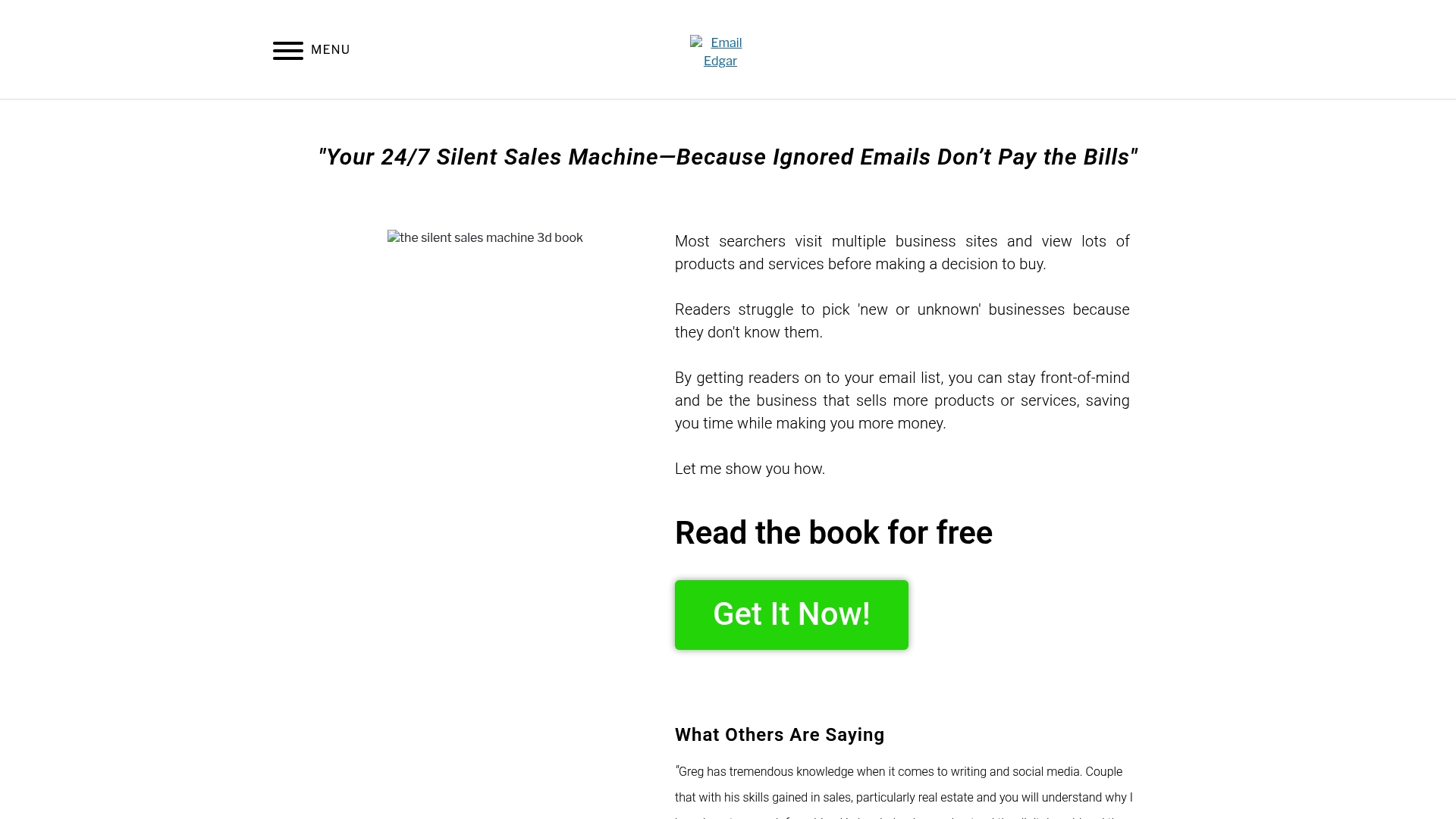
Emailedgar is a focused digital marketing platform that positions email as a core sales channel for businesses. It helps companies build and maintain email lists, improve customer engagement, and stay top-of-mind with potential buyers. The site combines actionable coaching, free resources, and client testimonials to guide business owners toward consistent, automated email marketing that functions as a “silent sales machine”. Bottom line: if you want practical, education-first guidance to grow revenue through email, Emailedgar is built for that purpose.
Core Features
Emailedgar centers on email list building and management, supported by content and social media coaching and practical SEO improvement tips for website optimization. Resources include free books and blog content that walk you through strategy and execution, plus customer testimonials that validate the approach. The platform emphasizes automated, consistent email outreach and pairs that with coaching to help you create better content, capture more leads, and convert prospects without constant manual effort.
Pros
- Clear focus on email list growth: Emailedgar prioritizes tactics and workflows that help businesses grow and maintain their email lists, which is essential for repeatable revenue.
- Actionable coaching and resources: The site provides free books, blog posts, and coaching guidance so you can implement strategies immediately rather than just read theory.
- Built to increase visibility and sales: Advice is oriented toward practical steps—optimizing sign-up flows, improving deliverability, and crafting ongoing sequences that drive conversions.
- Real client validation: Customer testimonials highlight tangible improvements and lend credibility to the teaching and methods offered.
- Education-first lead generation: The platform doubles as a coaching and education hub, helping small teams learn sustainable email marketing rather than relying solely on one-off tools.
Who It’s For
Emailedgar is ideal for small to medium businesses and marketing managers in North America who want to automate email outreach and turn email into a reliable sales channel. If you manage a local service business, ecommerce shop, or niche B2B firm and need straightforward, proven tactics to grow a list, write better emails, and get measurable results, this platform speaks directly to you. You should expect to pair its guidance with your existing marketing stack.
Unique Value Proposition
Emailedgar stands out by combining education, coaching, and free tactical resources with an explicit focus on email as a long-term sales engine. Instead of pitching a single flashy feature, it teaches you how to build repeatable systems—signup optimization, content-driven list growth, and automated sequences—that work around the clock. That design is deliberate: Emailedgar prioritizes sustainable skill-building and conversion-focused strategies over tool-first complexity. For small business owners who want an enduring return on marketing time and spend, this orientation is superior because it reduces dependency on external vendors and emphasizes in-house capability.
Real World Use Case
A local retailer applied Emailedgar’s tactics to overhaul their signup funnel, used the free book to refine welcome sequences, and followed SEO tips to attract qualified traffic. Over several months they grew a targeted list and ran automated, segmented campaigns that increased repeat purchases and overall sales.
Pricing
Not specified on the website.
Website: https://emailedgar.com
Emailgreen
At a Glance
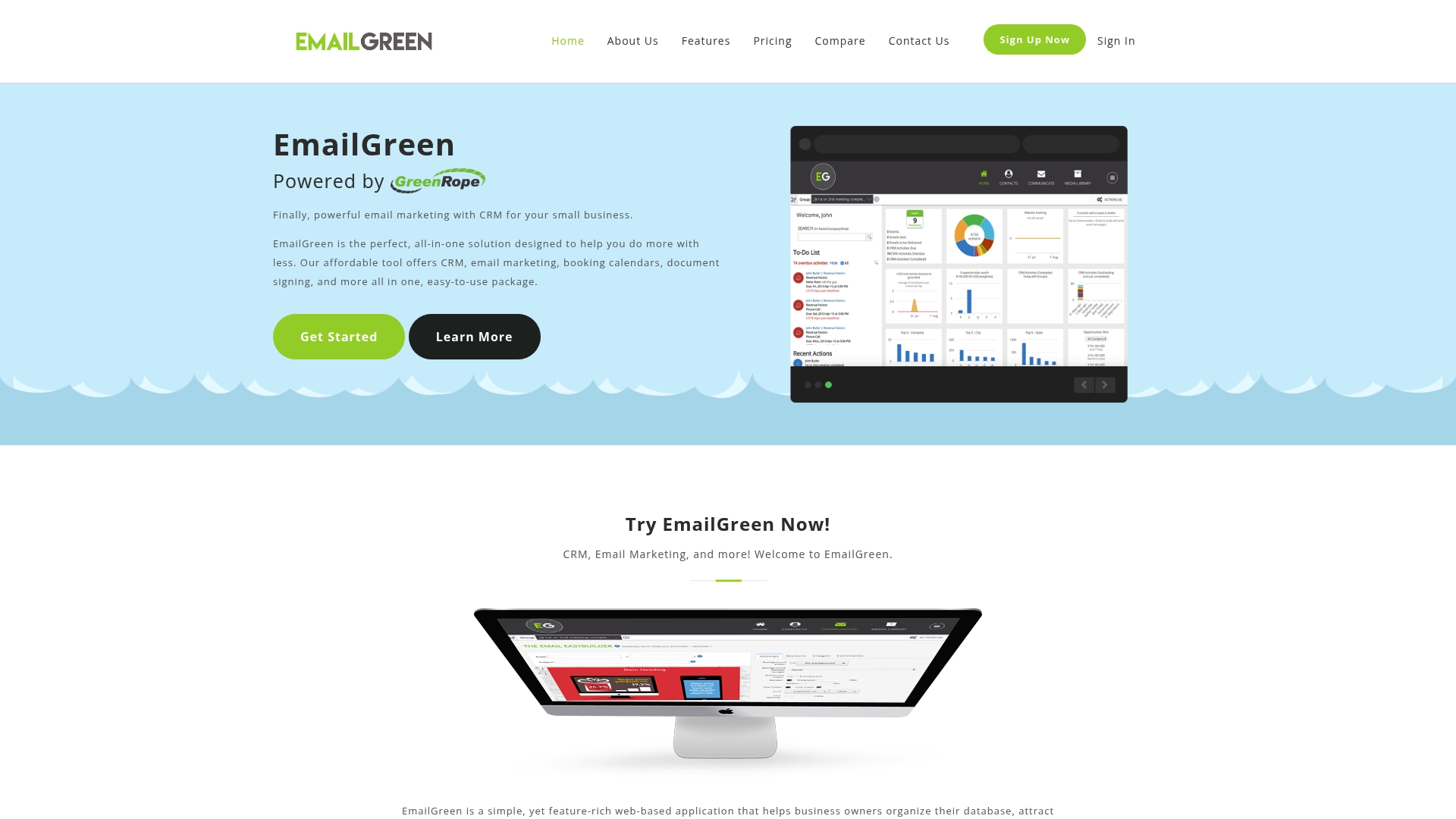
Emailgreen is an all-in-one, web-based platform that bundles CRM, email marketing, booking calendars, document signing, and more into a single dashboard aimed at small businesses. It’s designed to reduce tool sprawl and lower costs while letting you manage contacts, campaigns, appointments, and sales opportunities in one place. The platform is strong on usability and onboarding, but may leave marketers wanting more details on advanced integrations or API access. For small retailers and service providers who need an affordable, do-everything hub, Emailgreen is worth testing.
Core Features
Emailgreen combines a CRM for contact organization and interaction tracking with an Email Marketing module that includes customizable templates and an EasyBuilder editor. You get Event Management and calendar scheduling, Signup Forms and Landing Pages for lead capture, and a Campaign Optimizer that supports A/B testing with automatic rollout of top performers. Built-in Surveys, a Booking Calendar, Document Signing, and Opportunity Management for sales stages and product details round out the toolset so you can run marketing and operations from one place.
Pros
- All-in-one platform integrating multiple marketing and sales tools, which reduces the need for separate subscriptions and data syncs.
- User-friendly interface with customizable options makes it faster for small teams to launch campaigns without heavy training.
- Affordable pricing plans for small businesses let you start at low cost and scale contacts predictably as your list grows.
- Features like campaign testing and automation help optimize performance by automatically promoting the best variants.
- Strong customer support and onboarding services provide guided setup so your team can move from signup to live campaigns sooner.
Cons
- Limited information on advanced integrations or API access creates uncertainty for businesses that need custom workflows or deep tool connections.
- Pricing and features may vary based on plan, with higher tiers costing more, which means some capabilities are gated behind more expensive subscriptions.
- Potential learning curve for users new to integrated marketing platforms means smaller teams may need time or extra support to master all modules.
Who It’s For
Emailgreen is ideal for small to medium-sized businesses seeking an affordable, easy-to-use marketing and CRM solution that minimizes technical overhead. If you run a retail shop, local service business, or a small agency and want to centralize contact lists, campaigns, appointments, and contracts without hiring an engineer, Emailgreen fits that profile.
Unique Value Proposition
Emailgreen’s value is its combination of multiple operational needs into a single, accessible dashboard: CRM, email, scheduling, e-signatures, and campaign optimization. That consolidation saves time and reduces friction, making it easier to run a silent sales machine that works 24/7—especially valuable when budgets and staff are tight.
Real World Use Case
A small retail business uses Emailgreen to build segmented email campaigns, manage customer appointments via the booking calendar, send contracts with document signing after big orders, and collect feedback through surveys—streamlining operations and increasing repeat sales without juggling separate tools.
Pricing
Starter plan at $19/month for up to 500 contacts; Growth at $49/month for 1,500 contacts; Pro at $89/month for 3,000 contacts; Premium at $109/month for 5,000 contacts, with higher plans available upon request. Optional support and setup services are available at additional costs.
Website: https://emailgreen.com
EmailOctopus
At a Glance
EmailOctopus is a straightforward, budget-friendly email marketing platform built around ease of use and solid deliverability. It gives small business owners and nonprofit marketers the essentials: campaign creation, basic automations, landing pages, and clear reporting. If you want a no-frills tool that stretches marketing dollars and doesn’t require a steep learning curve, EmailOctopus delivers. For highly complex automation or deep customization, however, you may quickly hit the platform’s limits.
Core Features
EmailOctopus focuses on the core workflows you actually need to run email outreach: a drag-and-drop editor plus an HTML option for designers, a library of 100+ mobile-friendly templates, personalization via merge tags, automation to manage email series and workflows, and reporting and analytics to track engagement and campaign performance. It also supports unlimited landing pages, which makes list building and promotion simpler without adding cost or complexity.
Pros
- Affordable pricing and value for money: The pricing structure delivers strong value for startups and small teams, especially compared with feature-heavy enterprise tools.
- Easy to use with an intuitive interface: The platform minimizes friction so marketing managers can build campaigns and automations quickly without long onboarding.
- Good customer support and helpfulness of team: Users benefit from responsive support that helps resolve issues and optimize campaigns.
- High email deliverability rates: Built-in practices and infrastructure help emails land in inboxes rather than spam folders, which matters for conversions.
- Flexible plans to suit different business needs: From a free plan to paid tiers, the options let you scale costs as your list and sending needs grow.
Cons
- Limited customization options compared to some premium platforms: If you need granular design controls or advanced template editing, EmailOctopus can feel restrictive.
- No free trial, only a free plan with limited features: You can use the free plan, but there isn’t a time-limited trial of paid features to evaluate advanced functionality.
- Basic automation features may not suffice for very complex workflows: Sophisticated branching, advanced conditional logic, or enterprise-grade automation is outside the platform’s core strengths.
Who It’s For
EmailOctopus is ideal for small to medium-sized businesses, nonprofit organizations, and solo entrepreneurs who need a cost-effective, easy-to-manage email marketing solution. If you’re a small business owner or marketing manager in North America focused on newsletters, onboarding sequences, and promotions without a large technical team, this is a practical choice.
Unique Value Proposition
EmailOctopus stands out for delivering the essential email marketing capabilities businesses actually use—reliable deliverability, straightforward automation, unlimited landing pages, and strong support—at a price that keeps customer acquisition economics healthy. It’s a silent sales machine for teams that prioritize simplicity and ROI.
Real World Use Case
A real estate company sends weekly newsletters to more than 80,000 clients using EmailOctopus, leveraging the platform’s affordability, ease of use, and responsive support to maintain regular contact, promote listings, and grow brand awareness without ballooning marketing costs.
Pricing
A free plan is available; paid plans start at $9/month billed yearly and cover up to 10,000 subscribers and 10,000 emails per month. Paid tiers unlock full control over email design, automation, and unlimited landing pages.
Website: https://emailoctopus.com/blog
Selzy
At a Glance
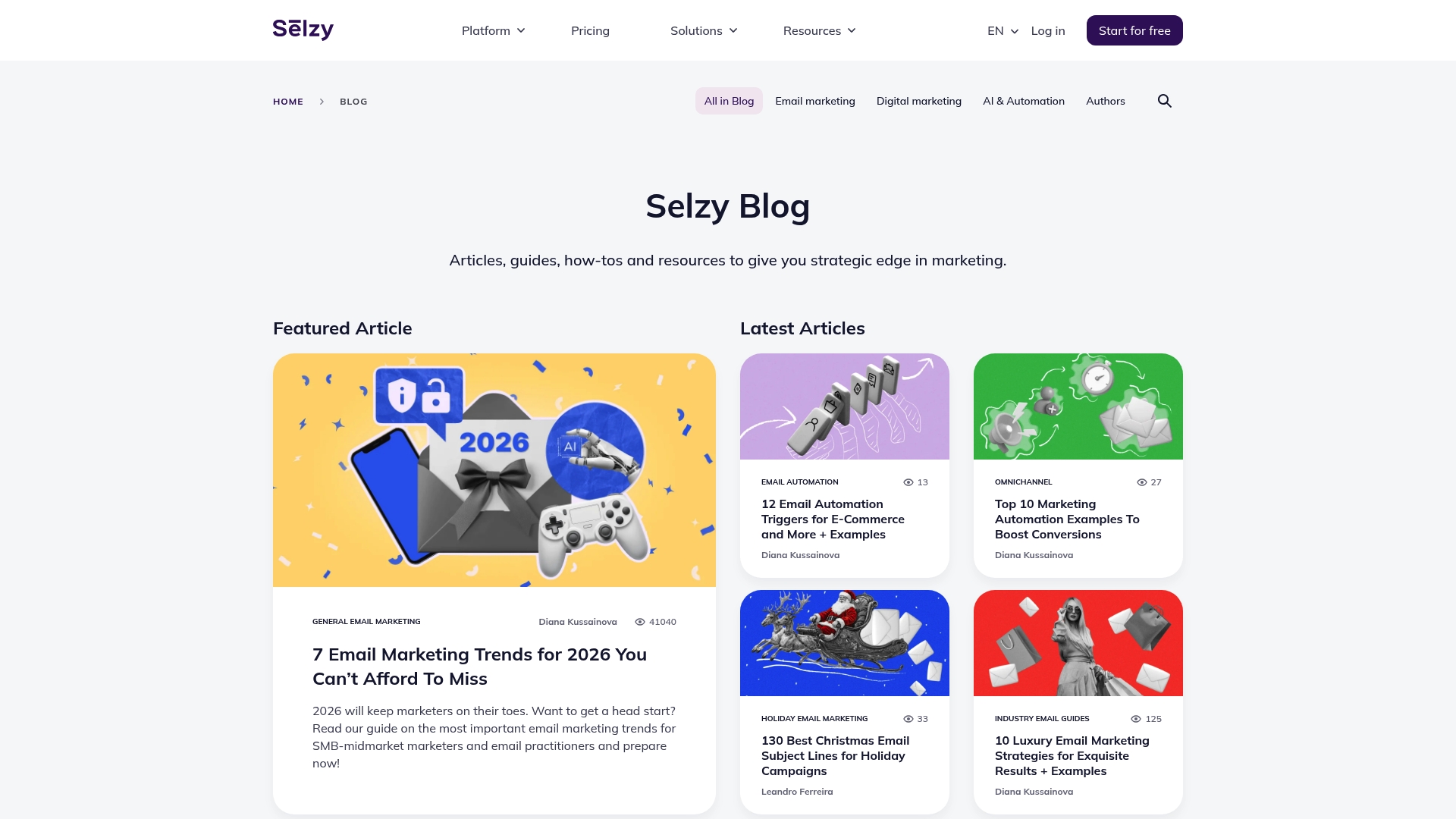
Selzy positions itself as an email marketing and communication platform focused on building and managing email campaigns, marketing automation, and analytics. The public blog page is currently gated behind security verification, so available information is limited; however, the site signals a secure, user-friendly toolset for marketers. Bottom line: Selzy looks promising for small to medium-sized marketing teams, but you should confirm features and pricing after completing the verification steps on the site.
Core Features
Based on the provided content, Selzy’s core capabilities include email campaign management, marketing automation, and email analytics and reporting. Those three pillars cover the essentials a marketing team needs to design campaigns, automate sequences, and measure performance. Because the blog page requires verification before full access, feature depth (templates, segmentation, deliverability tools) isn’t directly verifiable here and should be validated once you can access the main product pages.
Pros
- Comprehensive email marketing tools: The platform lists robust campaign management and automation capabilities, indicating it can handle both one-off blasts and multi-step workflows for nurturing leads.
- User-friendly interface: The content describes Selzy as easy to use, which suggests a low onboarding time for marketing teams without dedicated developers.
- Potential integration capabilities: The site hints at integration options, which could help you connect Selzy with CRM, ecommerce, or analytics tools—though specific connectors are not listed in the available content.
- Secure platform: Security checks on the site imply attention to platform safety and data protection, a plus when you manage customer email lists.
- Real-time analytics (assumed): Analytics and reporting are called out, which typically include near real-time metrics to track opens, clicks, and campaign ROI.
Cons
- Limited public detail until verification completes: The blog page is under security review, so you cannot confirm full feature lists, limits, or integrations without completing the site’s verification steps.
- Pricing not disclosed: No pricing information is available in the provided content, which makes budget planning impossible until you access the product directly.
- Functionality specifics unavailable: Important specifics—sending limits, template library size, automation complexity, and deliverability features—are not documented on the accessible page and must be verified.
Who It’s For
Selzy is best suited for Small to Medium-Sized Businesses and marketing teams that need straightforward email campaign management and automation without a steep learning curve. If you manage customer lists, run promotional sequences, or need basic analytics to measure campaign performance, Selzy fits the profile—provided you validate the feature set after verification.
Unique Value Proposition
Selzy’s unique value appears to be a secure, user-friendly email marketing platform that bundles campaign management, automation, and reporting into a single service aimed at marketers who want a practical, accessible tool rather than an enterprise-only suite.
Real World Use Case
A marketing team uses Selzy to design, send, and track email campaigns to their customer base, automating follow-up sequences after a sign-up event and reviewing analytics to optimize subject lines and send times.
Pricing
Pricing: Not specified in the provided content. Contact Selzy or complete the site verification to view available plans and rates per month.
Website: https://selzy.com/en/blog
Mailchimp
At a Glance
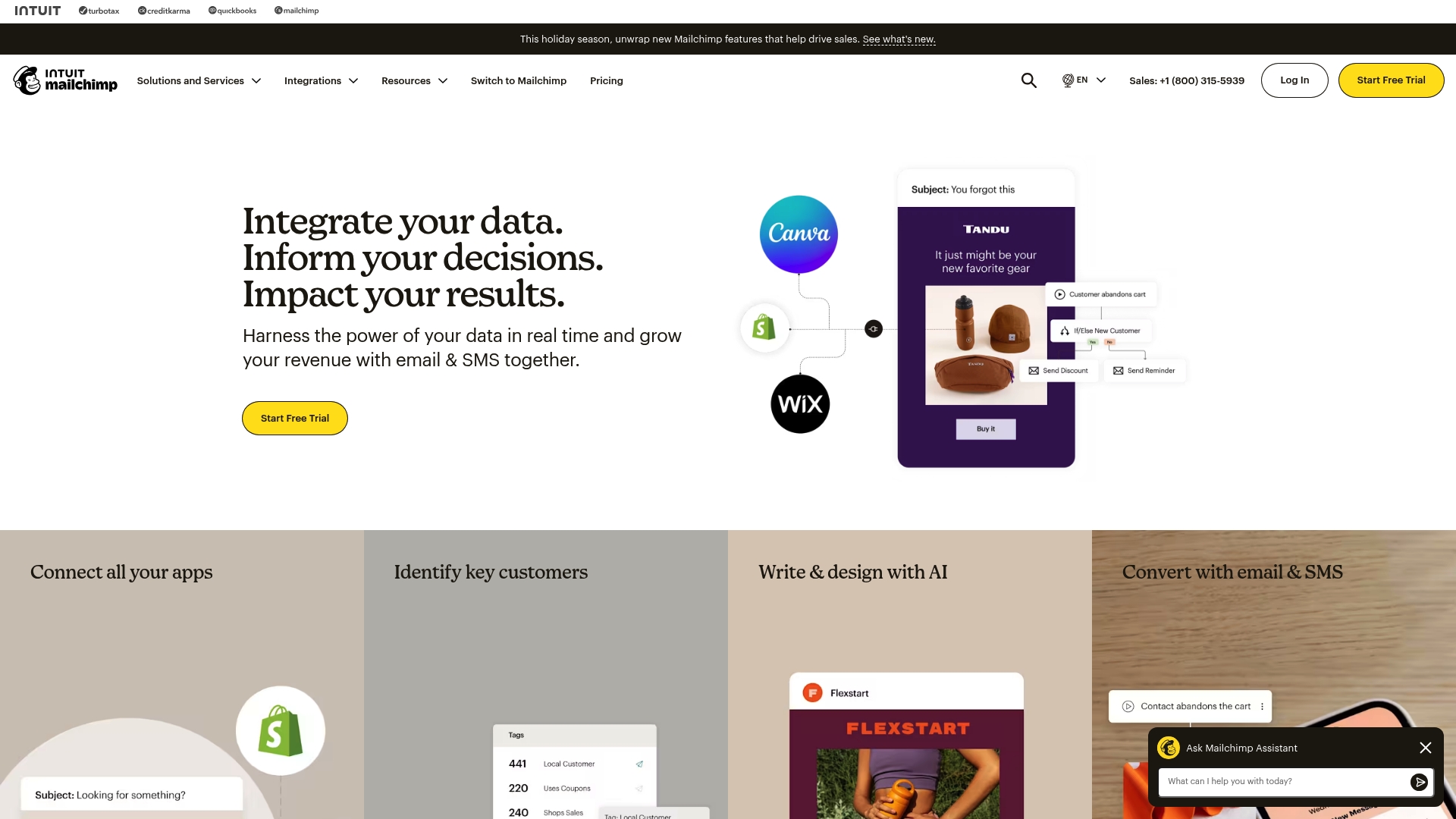
Mailchimp is a full-featured marketing platform that combines email, SMS, automation, and data integration tools into one place, aimed at helping businesses grow their audience and revenue. For small business owners and marketing managers, it delivers an approachable interface with advanced capabilities—yet some powerful features sit behind higher-tier plans. If you want an all-in-one system that scales from simple newsletters to complex automated journeys, Mailchimp is a sensible choice; just plan your budget and training time accordingly.
Core Features
Mailchimp’s core capabilities include email marketing and automation, add-on SMS and MMS marketing, and broad data unification that connects with platforms like Shopify, Salesforce, and Google Analytics. The platform offers AI-powered content creation and personalization, predictive segmentation, automated marketing workflows, customizable templates and popups, audience management, and robust reporting and analytics. Those features combine to let you design campaigns, target specific customer groups, and analyze performance in near real time.
Pros
- Comprehensive feature set: Mailchimp bundles email, SMS, automation, and analytics in a single platform so you don’t need multiple tools to run coordinated campaigns.
- User-friendly interface: The platform includes templates and guided onboarding that help you launch campaigns quickly without steep setup friction.
- AI-powered personalization: Built-in AI tools assist with content creation and personalization, making it faster to craft messages that resonate with different segments.
- Wide integrations and scalability: Mailchimp connects to popular e-commerce and analytics tools, enabling data-driven campaigns as your business grows.
- Established industry presence: A long-standing reputation means plenty of documentation, community resources, and reliability for day-to-day marketing.
Cons
- Pricing complexity: The pricing structure can be difficult to navigate and may become expensive as your contact list grows or you add advanced features.
- Feature gating on higher plans: Some advanced capabilities are limited or reserved for higher-tier plans, which can restrict smaller teams on tight budgets.
- Learning curve for advanced automation: Mastering predictive segmentation and complex automation workflows requires time and experimentation before you see optimal results.
Who It’s For
Mailchimp fits small to medium-sized businesses, e-commerce stores, and marketing teams that want an all-in-one marketing automation platform with AI features and many integrations. If you manage a growing contact list and need a platform that supports both simple newsletters and automated customer journeys, Mailchimp will likely meet your needs—especially if you can invest in training and the right plan.
Unique Value Proposition
Mailchimp’s unique value lies in combining friendly usability with enterprise-capable features: AI-assisted content, predictive segmentation, and deep integrations all live behind a product designed for marketers rather than developers. That balance makes it a practical “single pane of glass” for businesses that want to automate outreach without stitching together a dozen separate tools.
Real World Use Case
A retail business can use Mailchimp to automate promotional emails, send follow-up sequences after purchases, and segment customers by shopping behavior. With integrated analytics and predictive segmentation, the retailer can refine campaigns and measure engagement, resulting in improved customer interaction and increased sales.
Pricing
Varies by plan, starting with a free tier and paid plans ranging from approximately $13 to $350 per month depending on features and contact limits.
Website: https://mailchimp.com
ActiveCampaign
At a Glance
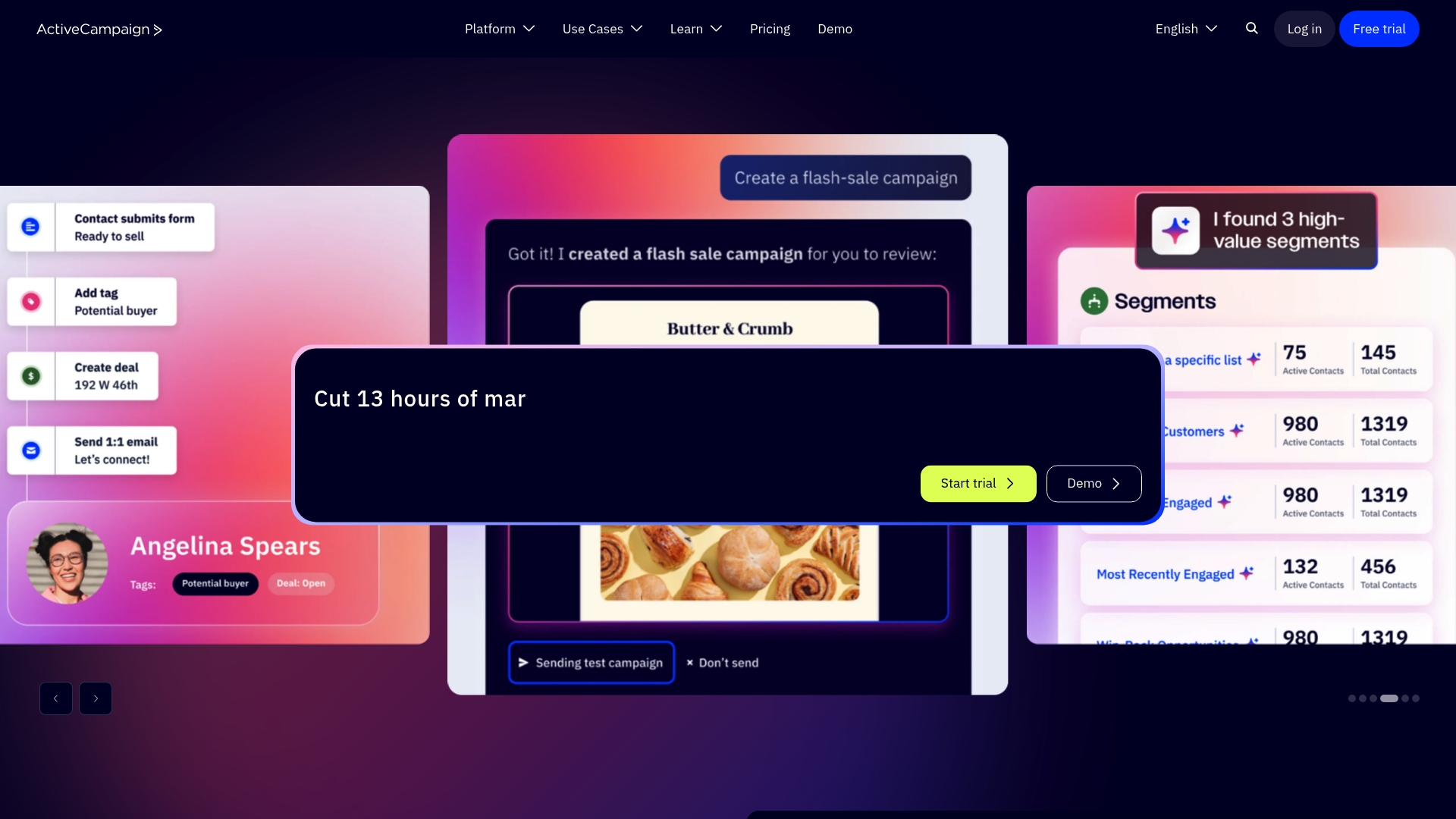
ActiveCampaign is a robust marketing automation platform built to help businesses automate outreach across email, SMS, and WhatsApp. It emphasizes autonomous marketing powered by active intelligence, aiming to reduce busywork so teams can focus on strategy. For small business owners and marketing managers, it offers scalable plans and advanced automation—but expect a learning curve if you want to use its most powerful features.
Core Features
ActiveCampaign combines multi-channel automation (email, SMS, WhatsApp) with deep personalization and advanced segmentation. The platform integrates with over 1,000 apps, includes AI-driven tools for campaign optimization, and offers predictive sending plus AI-generated content options as add-ons. It also doubles as a CRM for managing customer relationships and tracking interactions across channels, so your campaigns and sales touchpoints live in one place.
Pros
- Comprehensive multi-channel automation: You can run coordinated campaigns across email, SMS, and WhatsApp from the same automation engine, reducing manual cross-channel work.
- Strong automation and integration capabilities: The platform’s workflows and more than 1,000 integrations make it easy to connect ecommerce, analytics, and sales tools without rebuilding processes.
- AI-driven tools that improve engagement: Active intelligence and predictive sending help you time messages and surface content ideas that can increase open and conversion rates.
- Flexible plans tailored to business needs: Multiple plan tiers and scalable features let you grow without immediately outgrowing the platform.
- No penalties for scaling contact lists: The pricing model avoids hidden fees for list growth, which simplifies budgeting as your audience expands.
Cons
- Complexity may require a learning curve for new users: New users will likely need time or training to design advanced automations and get the most from the platform.
- Pricing can be high for advanced features or larger lists: While plans scale, unlocking advanced capabilities and managing large contact volumes can increase cost.
- Some AI features are add-ons rather than included: Capabilities like AI content generation are not always part of base plans and may require extra purchases.
Who It’s For
ActiveCampaign is best for businesses that need a scalable marketing automation platform that connects multiple channels and centralizes customer data. If you’re a marketer, sales leader, or customer success manager aiming to personalize messaging, automate lifecycle campaigns, and tie outreach to CRM data, this tool fits well.
Unique Value Proposition
ActiveCampaign’s strength is combining multi-channel automation with active intelligence and broad integrations so teams can automate complex journeys without stitching together multiple systems. It’s built to shift work from manual execution to strategic optimization.
Real World Use Case
A retail business can automate personalized email campaigns, manage customer interactions inside the built-in CRM, and send targeted WhatsApp or SMS promotions. Using automation and predictive sending, the team reduces manual follow-up and improves retention and conversion.
Pricing
ActiveCampaign offers multiple plans with different price points and add-ons, billed annually and varying by features and contact limits; specific prices are provided on the vendor site.
Website: https://activecampaign.com
Constant Contact
At a Glance
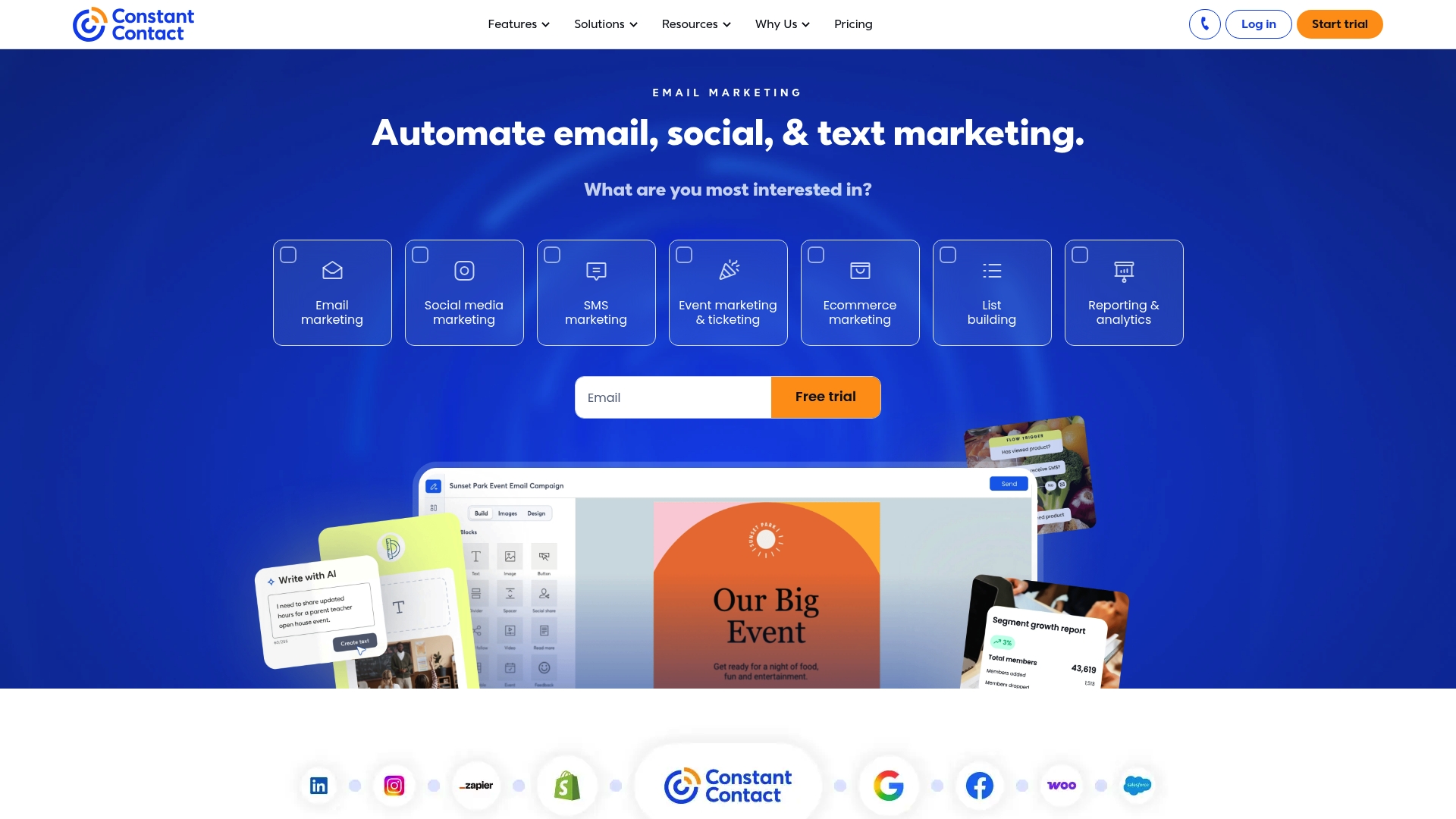
Constant Contact is an all-in-one marketing platform built to help small businesses connect with customers via email, social media, and event promotion. The interface is friendly for non-technical users, and the platform bundles list management, automation, and event tools in a single place—so you can run campaigns without stitching multiple apps together. It can feel pricey for very small teams, and some templates offer limited customization, but for businesses that value deliverability and hands-on support, it delivers reliable results.
Core Features
Constant Contact combines core email marketing capabilities with social media marketing tools, marketing automation, event marketing features, and list management with segmentation. You can build and send newsletters, schedule social posts, automate basic customer journeys, promote and manage events, and segment contacts for targeted messaging. The platform emphasizes secure access and verification to protect your lists and reputation while simplifying campaign setup for everyday marketing tasks.
Pros
- User-friendly interface: The platform is designed for non-technical users, so you can create campaigns quickly without a long onboarding period.
- Comprehensive marketing features: Email, social, automation, and event tools are bundled together so you don’t need multiple vendors to cover common marketing needs.
- Strong deliverability rates: The service maintains reliable inbox placement, which helps your messages reach subscribers when timing matters.
- Excellent customer support: Support options are available to help you troubleshoot campaigns and get unstuck when issues arise.
- Integration capabilities with other apps: Constant Contact connects with common business tools to streamline workflows and reduce manual data entry.
Cons
- Can be expensive for small businesses: The pricing structure may put pressure on very small budgets when contact lists grow and you need more features.
- Limited customization options in some templates: Certain templates restrict layout changes, which can limit brand-specific design needs.
- Learning curve for new users: While basic tasks are straightforward, mastering segmentation and advanced automation can take time for staff new to email marketing.
Who It’s For
Constant Contact is best suited for small to medium-sized businesses, nonprofits, and event organizers that want an approachable platform to manage email, social promotion, and events in one place. If you run a local retail store, a community nonprofit, or a small service business and you need predictable deliverability plus support, this product fits your needs.
Unique Value Proposition
Constant Contact’s value is the convenience of an integrated marketing toolkit combined with strong deliverability and hands-on support. Instead of building a tech stack from separate vendors, you get a single platform designed to keep email outreach consistent and secure.
Real World Use Case
A small retail store uses Constant Contact to send a monthly newsletter, promote seasonal sales on social media, and register attendees for in-store events. The owner automates welcome emails for new subscribers and segments local customers to target promotions that drive foot traffic.
Pricing
Pricing details are available on their website and vary by plan and features selected, so review plans online to match your list size and required features.
Website: https://constantcontact.com
ConvertKit
At a Glance
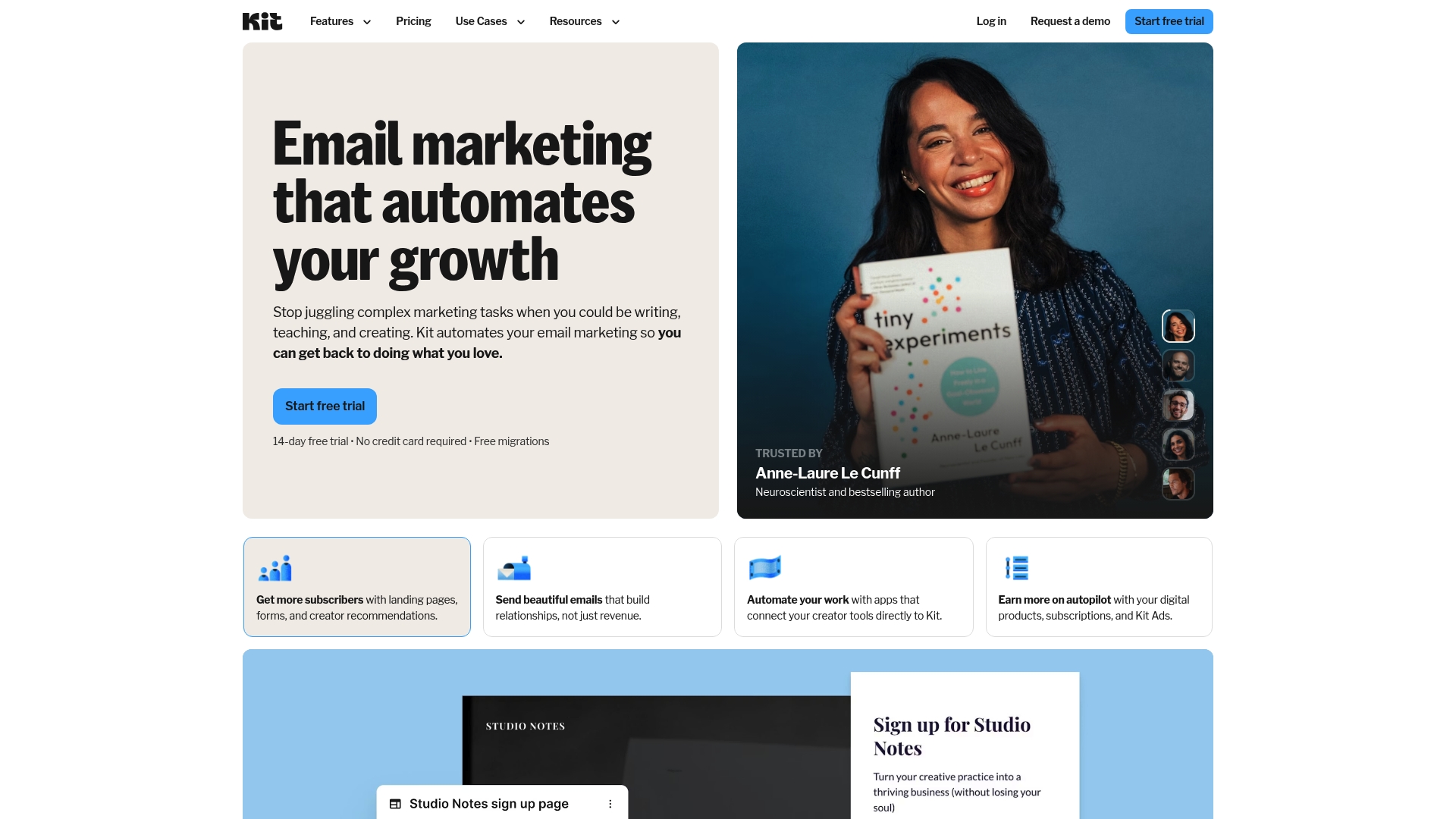
ConvertKit is an email marketing and automation platform built for creators and small businesses that need simple scalability and commerce-ready features. It combines unlimited landing pages, forms, and broadcasts with audience tagging, automation templates, and product-selling tools to help you grow and monetize an email list. It’s powerful for creators but can get costly as your subscriber list grows.
Core Features
ConvertKit’s feature set focuses on list growth, segmentation, and monetization: unlimited landing pages and opt-in forms let you capture leads without worrying about limits; unlimited email broadcasts and automation sequences keep your audience engaged; audience tagging and segmentation plus engagement scoring help you target messages; A/B testing and analytics let you measure what works; and built-in tools for selling digital products, paid newsletters, and subscriptions make monetization straightforward. The platform also offers a visual automation builder, API access, integrations via an app store, and free migrations and customer support to ease onboarding.
Pros
- Flexible plans for growth: ConvertKit offers tiered plans that scale with your audience, which helps you start small and upgrade as your list grows.
- Strong automation and segmentation: The visual automation builder and tagging system let you create targeted sequences without writing code.
- Free migrations and support: ConvertKit includes free migrations and customer support options, which reduces friction when moving from another platform.
- No caps on key assets: Paid plans remove limits on landing pages, opt-in forms, and email broadcasts, so you can run multiple campaigns without extra fees.
- Built for creators monetization: Built-in digital product sales, paid newsletters, and subscription features make it easier for creators to earn revenue directly from their audience.
Cons
- Pricing increases with audience size: As your subscriber count rises, ConvertKit’s cost can become a significant expense for small businesses operating on tight margins.
- Advanced features locked behind tiers: Some of the platform’s more advanced capabilities require higher-tier plans, meaning you may need to upgrade to access automation templates and commerce features.
- Learning curve for beginners: The interface and depth of options can feel complex if you’re new to email automation, which may require time or support to master.
Who It’s For
ConvertKit is best suited to content creators, solo entrepreneurs, and small business owners who want to grow and monetize an engaged email audience. If you value straightforward product sales, subscriber segmentation, and the freedom to create unlimited landing pages and broadcasts, ConvertKit fits well. If tight budgets and very large lists are your reality, plan for rising costs.
Unique Value Proposition
ConvertKit combines creator-friendly commerce tools with robust automation and unlimited capture assets, delivering a single platform where you can build audience funnels, automate engagement, and sell digital products without stitching together multiple vendors.
Real World Use Case
A fitness coach builds landing pages for multiple offers, tags subscribers by interest, and runs automated welcome and upsell sequences that deliver online course enrollments and subscription revenue—managing signups and sales from one dashboard.
Pricing
Starts with a free plan at $0; Creator plan at $33/month (billed yearly) or $390; CreatorPro at $66/month (billed yearly) or $790.
Website: https://convertkit.com
Email Marketing Tools Comparison
Below is a comprehensive comparison of various email marketing platforms discussed, outlining their key features, benefits, suitability, and pricing options.
| Platform | Core Features | Best For | Pros | Pricing |
|---|---|---|---|---|
| Emailedgar | Focus on email list growth, automated sequences, actionable coaching, free resources | Small to medium-sized businesses needing education-first email marketing | Clear focus on list growth; extensive free resources; emphasis on sustainable email practices | Pricing not specified |
| Emailgreen | All-in-one CRM, email marketing, document signing, booking calendar integration | Small businesses requiring a platform centralizing marketing, sales, and operations | Affordable starter plans; comprehensive feature set; user-friendly interface | Starting at $19/month |
| EmailOctopus | Budget-friendly email marketing tool offering campaign creation, segmentation, and analytics | Entrepreneurs and nonprofits seeking straightforward marketing on a budget | Affordable plans; easy to use; high deliverability rates | Starting at $9/month |
| Selzy | Secure email campaigns, basic management, and analytics | Businesses preferring a secure, straightforward email platform | Indeterminate—details need site verification | Pricing details accessible post-verification |
| Mailchimp | Comprehensive marketing platform with email, SMS, automation, and analytics | Start-ups to mid-sized companies needing a scalable, AI-enabled multi-channel marketing solution | All-in-one features; excellent templates and integration options; reliable deliverability | Ranges from free tier to approx $350/month based on features |
| ActiveCampaign | Advanced multi-channel automation for email, SMS, and WhatsApp | Growing businesses in need of automation-rich workflows connected to comprehensive customer data | Strong automation capabilities; numerous integrations; no scaling penalties | Prices vary; consult vendor site |
Unlock the Power of Automated Email Outreach for Your Business
Many businesses struggle to turn email lists into consistent revenue streams because they lack the right system to automate and nurture leads effectively. The key challenge highlighted in the “Top Tools for Automated Email Outreach – Expert Comparison 2026” article is building a reliable, automated sales channel that works quietly in the background without constant manual effort. If your goal is to grow your email list, send better-targeted campaigns, and increase conversions without overwhelm, you need a strategy that focuses on actionable workflows and ongoing engagement.
Emailedgar.com specializes in this exact approach. By emphasizing automation and education together, we help you develop a “silent sales machine” that grows and sells for you day and night. From optimizing sign-up flows to crafting email sequences designed to convert, our coaching and free resources guide you through every step. Gain the confidence and skills to automate your marketing so your business can thrive with less stress.
Looking to stop chasing one-off tools and instead master sustainable email marketing? Explore how Emailedgar can help you build and maintain a high-performing email list today by visiting our Landing Page or dive into proven strategies by checking out our Free Email Marketing Resources. Take control of your outreach and grow sales with the silent power of automation at emailedgar.com.
Start building your automated email sales engine now. Visit Emailedgar.com and discover how practical coaching and education can transform your email marketing from sporadic campaigns into a steady revenue driver. Don’t wait until your competitors get ahead—take action today.
Frequently Asked Questions
What are the key features to look for in automated email outreach tools?
Automated email outreach tools should offer features like list segmentation, personalization options, and analytics tracking. Evaluate tools that allow you to create targeted campaigns, analyze performance metrics, and automate responses based on user actions to enhance engagement.
How can I measure the success of my automated email campaigns?
You can measure success by tracking metrics such as open rates, click-through rates, and conversion rates. Set specific goals for each campaign and review your analytics regularly to adjust your strategies, aiming for an improvement of approximately 10–20% over your previous campaigns.
What steps should I take to set up automated email outreach effectively?
To set up automated email outreach, first define your target audience and segment your email lists accordingly. Then, create engaging content tailored to each segment, and use automation tools to schedule your campaigns, ensuring they are sent at optimal times for your audience.
How often should I review and optimize my email outreach campaigns?
Review and optimize your email outreach campaigns at least once a month to keep content fresh and relevant. Use your analytics data to tweak subject lines, messaging, and sending times, aiming to improve engagement metrics by about 15% each month.
What are common mistakes to avoid in automated email outreach?
Common mistakes include neglecting to segment your audience, sending emails too frequently, and failing to personalize content. Avoid these pitfalls by regularly analyzing your campaign reports and adjusting your strategy accordingly to maintain high engagement rates.
Can I integrate automated email outreach tools with other marketing platforms?
Yes, many automated email outreach tools offer integration options with various marketing platforms, such as CRM systems and social media management tools. Ensure your chosen tool supports integrations that can consolidate your marketing efforts, streamlining your workflow and improving efficiency.